xSuite Web
User-specific settings
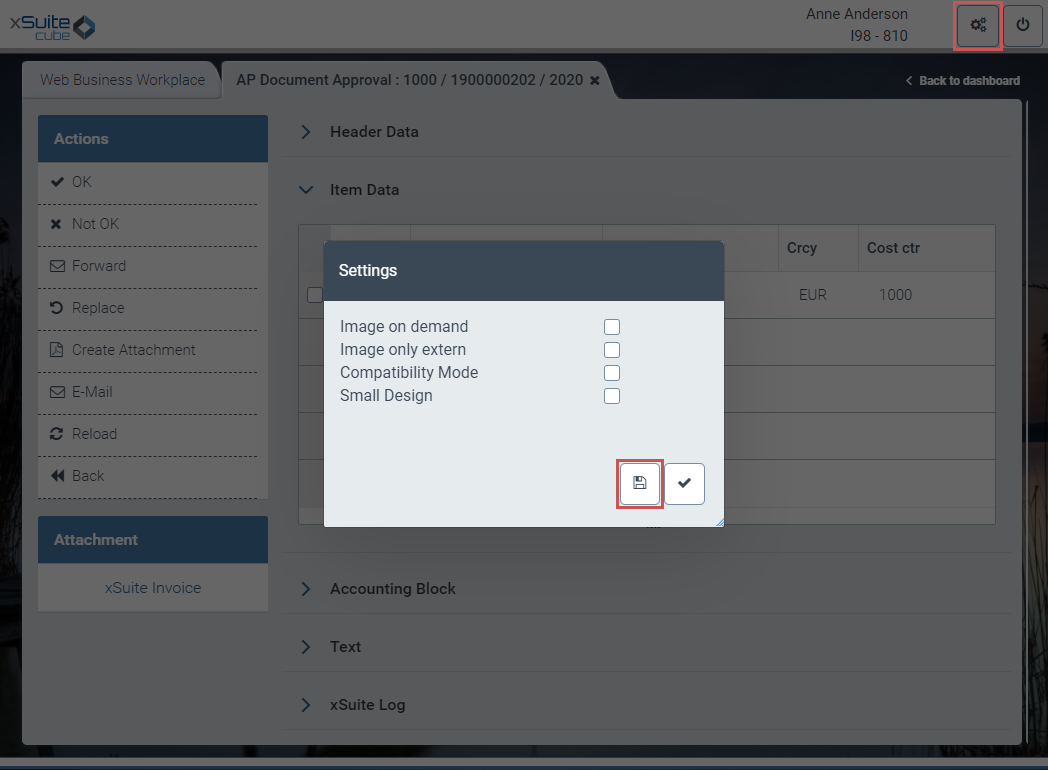
Settings for displaying individual areas of a document can now be saved for individual users within xSuite Web.
If a user has hidden and opened individual areas, these display settings can be saved with the button  Save in the dialog Settings.
The settings are saved for the workflow task in which the opened document is located.
 |
Login screen
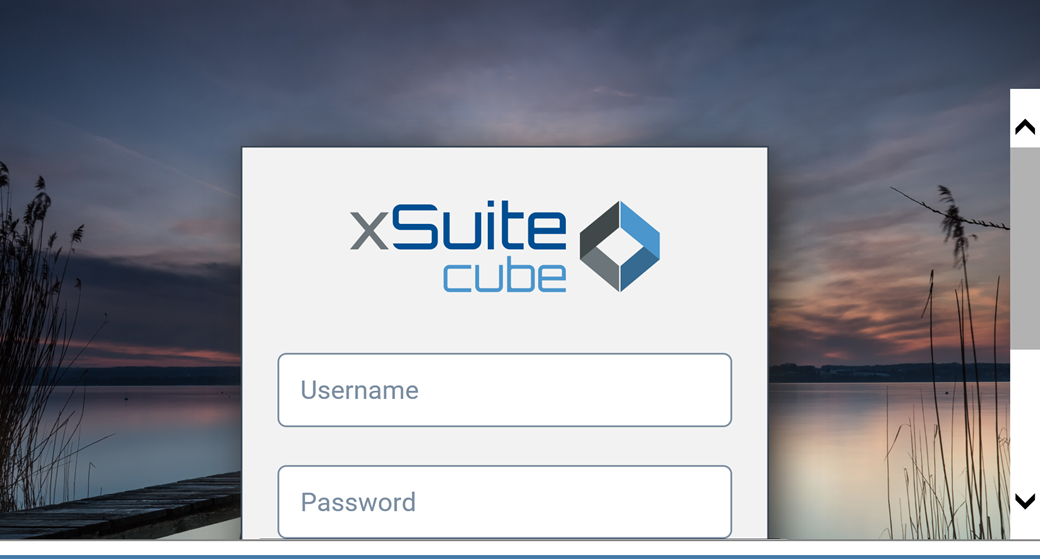
In the xSuite Web login screen, it is now possible to scroll vertically when zooming in.
 |
Work item detail data for outbox; forwarding
The detail data of the work item list in the xSuite Business Workplace is now also loaded for work items in the outbox and for forwarded work items.