Invoice Monitor
Subsequent debit indicator
Current SAP systems have a field for the subsequent debit indicator (DE_CRE_IND in structure BAPI_INCINV_CREATE_HEADER) in the BAPI for parking and posting MM documents in the header data.
Therefore, a check is now performed as to whether this field exists; if so, it is filled accordingly.
Mass changes to the company code
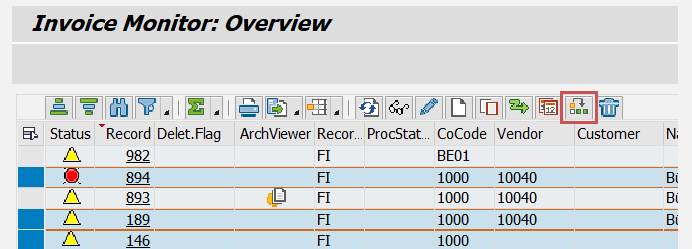
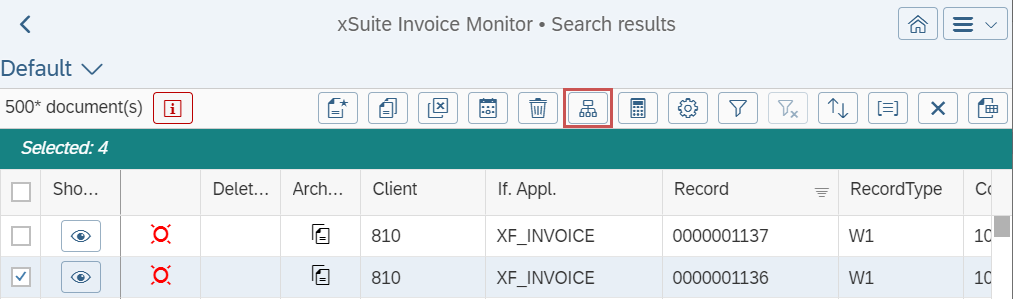
The button Change Company Code is now available in the Invoice Monitor in the SAP GUI and in SAP Fiori.
Notice
This function is only available in single back-end mode in the Invoice Monitor in SAP Fiori. The function is not available in multi-back-end mode.
The Change Company Code button can be used to change the company code for multiple documents at once. The documents must first be selected in the hit list.
SAP GUI display:
 |
SAP Fiori display:
 |
After clicking the button, a dialog with all available company codes will open.
After selecting a company code and confirming the security prompt, the company codes of all selected documents are changed.
The changes are made only if the user has the required permissions.