Customer Master Data
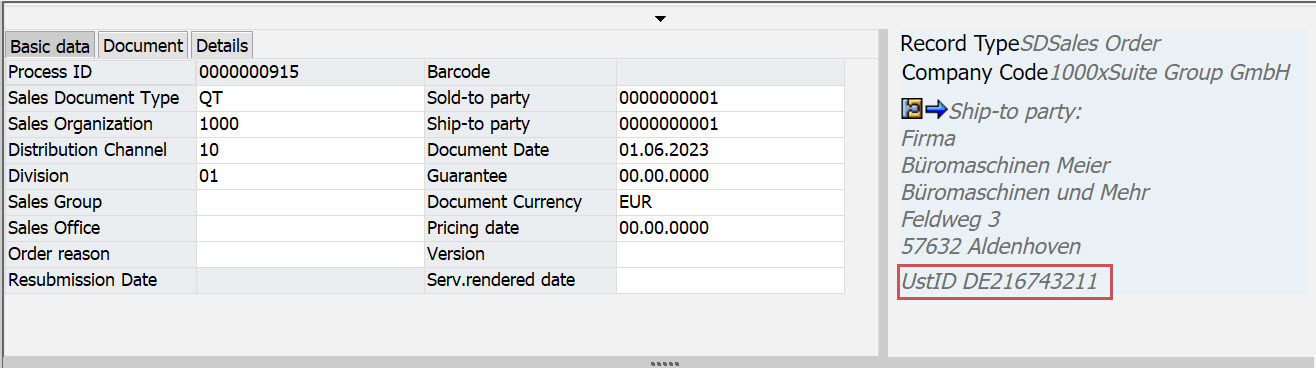
In the xSuite Sales Document Monitor (Transaction /WMD/FP_SDM), the master data of the ship-to party and the sold-to party are displayed on the right side of the header data.
Instead of the bank data, the VAT ID is now displayed there.
 |
Creation of New Customer Master Data
In the xSuite Sales Document Monitor, the Create customer button is available. This button is for creating a new master data entry for a customer.
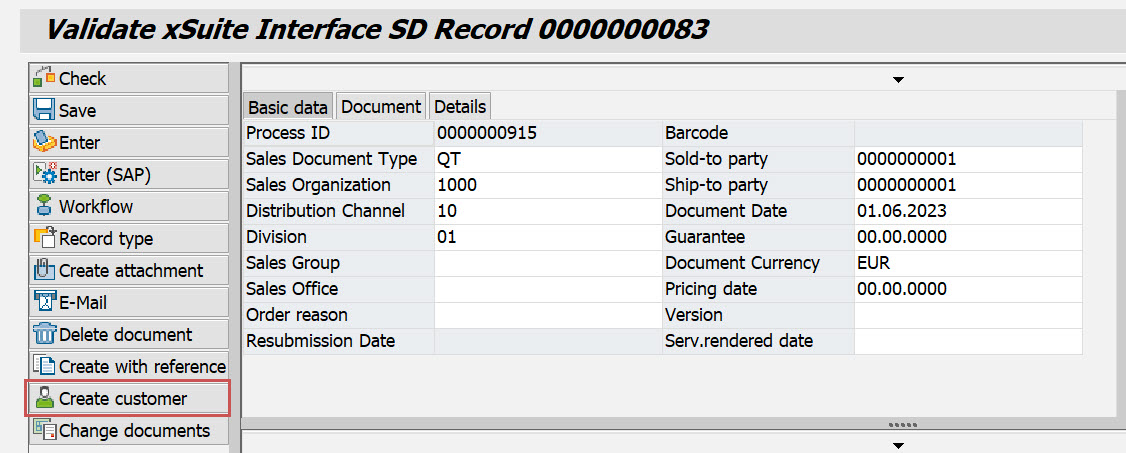 |
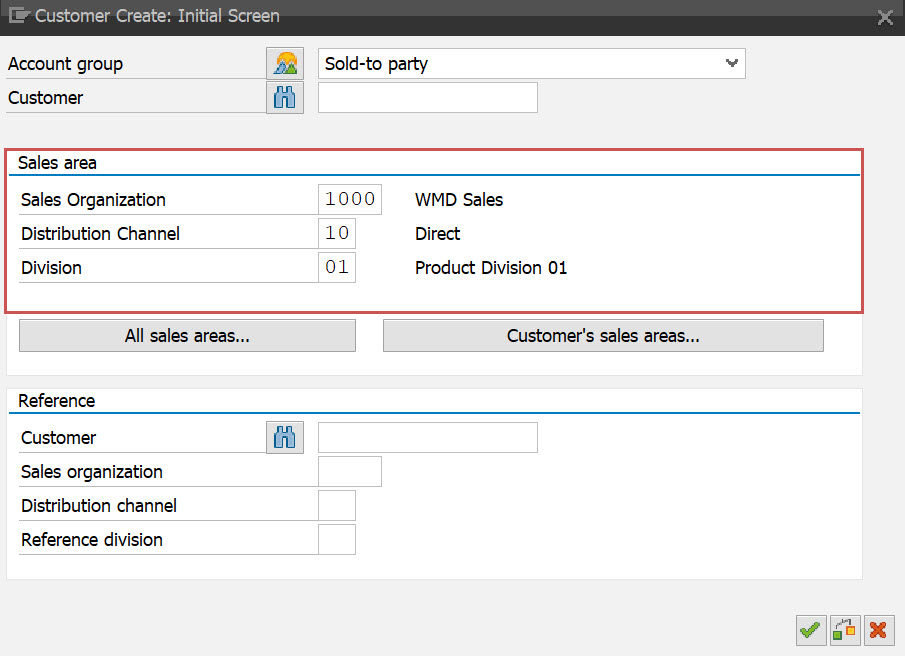
Clicking this button now calls Transaction VD01 (Create a customer with sales area) instead of Transaction FD01 (Create a customer without sales area).
The sales organization, distribution channel and division are automatically transferred from the xSuite document to the SAP transaction:
 |
Display of Master Data
Via the  button, it is possible to display the information of the ship-to party or the sold-to party.
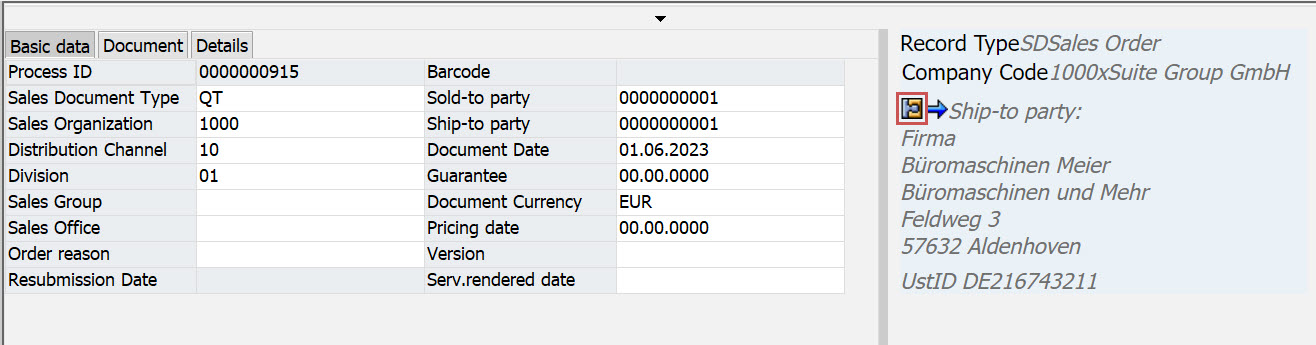 |
Clicking on this button will now call Transaction VD03 (display of customer master data).
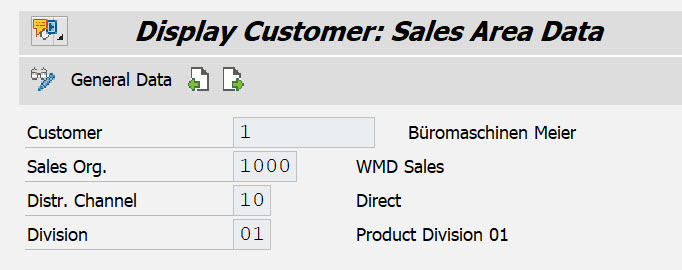 |
In this transaction, the Sales Area Data pane displays the data from the xSuite document.