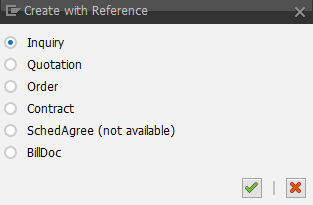
Creation of a Sales Document with Reference in Sales Document Monitor
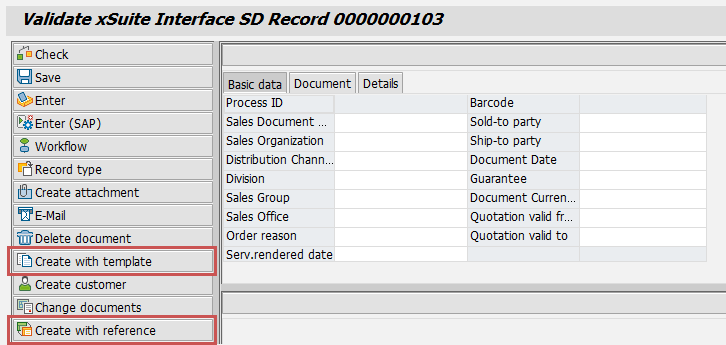
In the Sales Document Monitor (Transaction /WMD/FP_SDM), a document can now either be created using a template or using a reference document. The following buttons are available for this purpose.
 |
Button | Description | |
|---|---|---|
Create with template | Creates a document based on a template document. After selecting a template document, the information from this document is copied to the current data record. | |
Create with reference | Creates an SAP sales document with reference.
The header data and file attachments are taken from the xSuite Interface document. The item data is taken from the reference document. Prerequisite: In customizing, the sold-to party has the role "AG" and the sold-to party has the role "WE." If the sold-to party or ship-to party are changed when creating with reference, the changes are displayed in the xSuite Interface document. |