"XI Approval of vendor master" (Role XIVE) – xSuite Web / SAP Fiori
Notice
Prerequisite: In the /sap/bc/bsp/wmd/ui5_365/settings.js file, the xf5web.its_enabled web parameter has the value true. In the task assignment of xSuite Customizing, the task is activated as ITS task (transaction /WMD/BC_SPRO → xSuite Business Solutions → Workflow → Basic → Basic Settings → Assign Tasks).
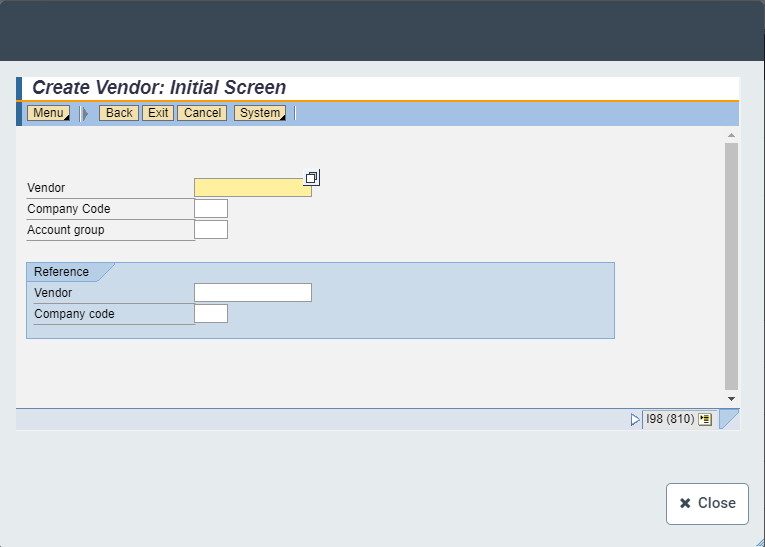
In the workflow task "XI approval of vendor master," you can now call the SAP transaction /WMD/XF_FK01 in xSuite Web and in SAP Fiori.
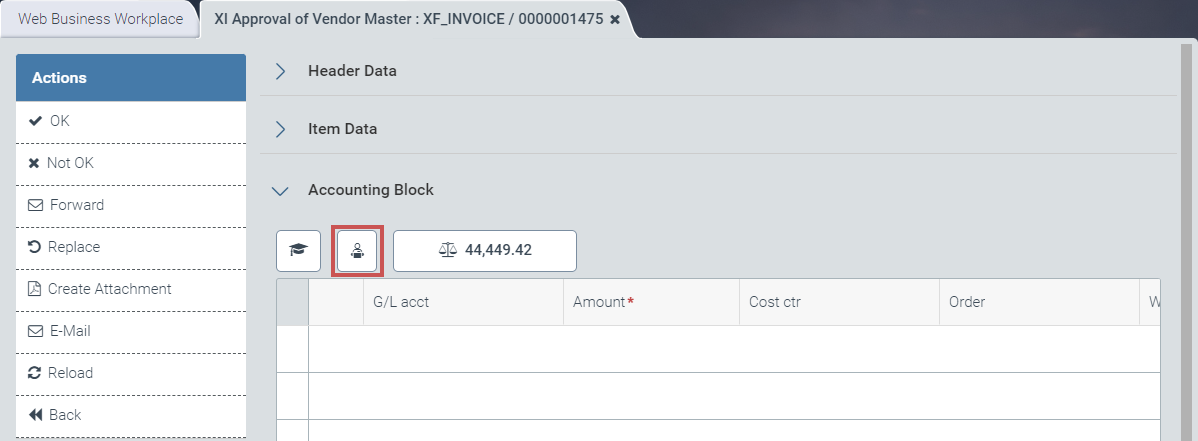
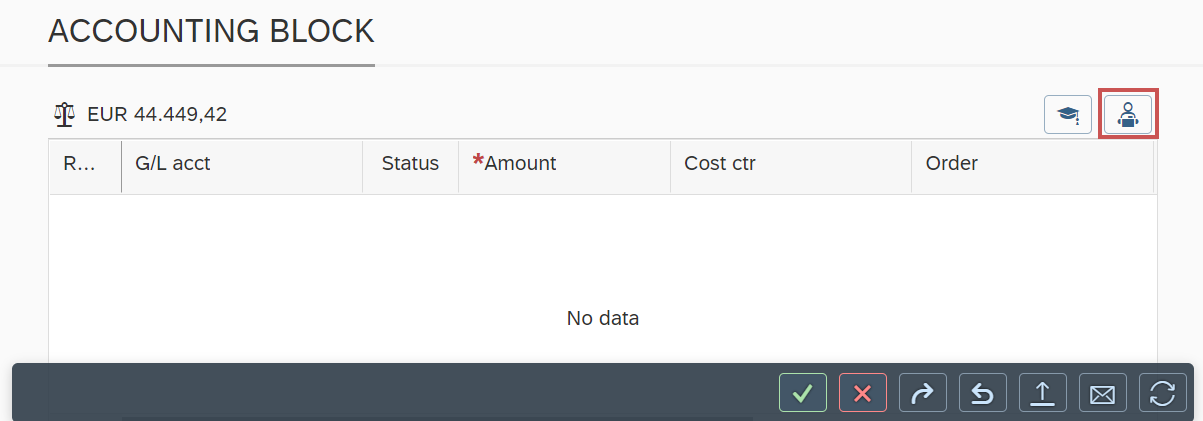
A click on the button  /
/  Vendor in the account-assignment block will open the transaction as a Web Dynpro application.
UI – xSuite Web
 |
UI – SAP Fiori
 |
Here, the user can edit the vendor master data.
 |