Resubmission
A resubmission function has been implemented for Interface documents. The header table has two new fields:
RESUB: resubmission status
RSDAT: resubmission date
These fields are always set together for resubmitted documents. The resubmitted checkbox was added to the selection dialog:
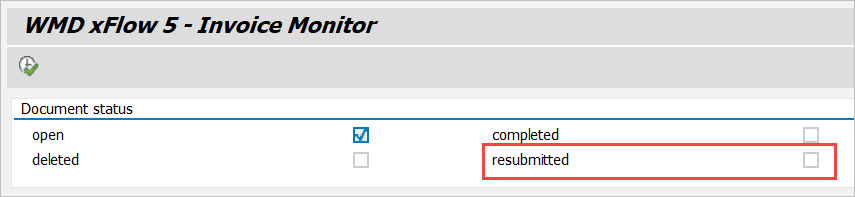
If this checkbox is disabled, resubmitted documents will only be shown if the resubmission date is less than or equal to the current date.
If you only enable this checkbox, all resubmitted documents will be displayed. This includes all documents whose resubmission date is greater than the current date.
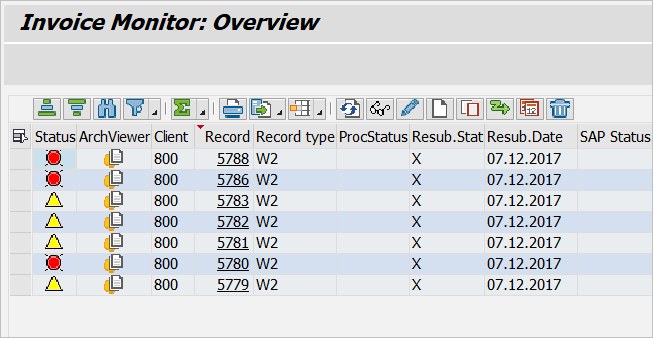
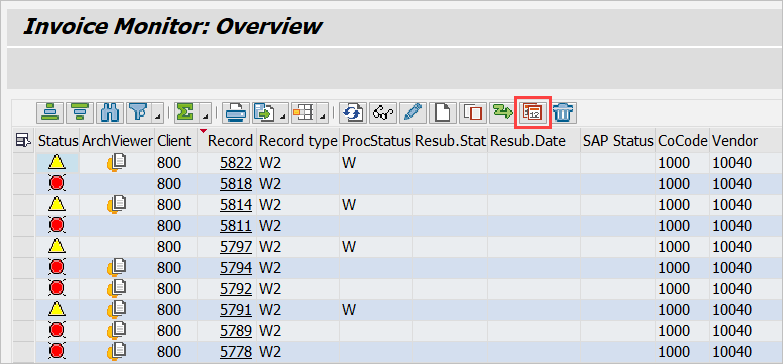
In the document overview, you can select one or multiple documents and the click the Resubmission button to flag them for resubmission:
Then enter the resubmission status and date in the input dialog:
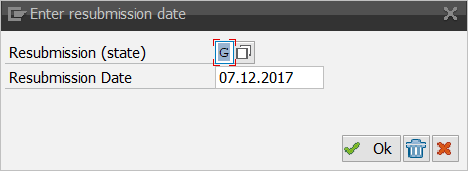
The default values are:
Resubmission status: G (waiting for goods receipt)
Resubmission date: current date + 1 day
In the current version, “filled” or “initial” are the only resubmission statuses available for further processing.
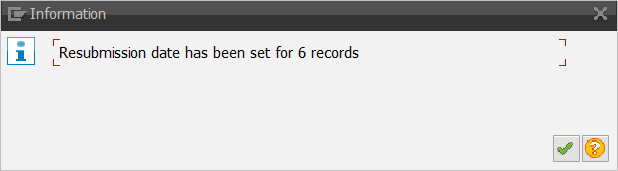
You can only set documents for resubmission if they can be changed; in other words, you cannot select documents that are completed, deleted or presently in the workflow. Resubmitted documents are not editable. If you leave the input dialog by clicking OK, the system will issue a confirmation message that includes the number of documents set to resubmission status:
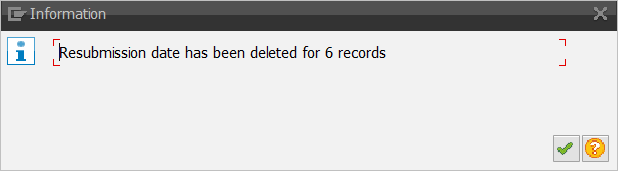
If you leave the input dialog by clicking End resubmission, the system will issue a confirmation message that includes the number of documents for which you deleted the resubmission status: