Creating new customer master data
The Create customer button is available in the xSuite Sales Document Monitor. You can create a new entry in the customer master data by clicking this button.
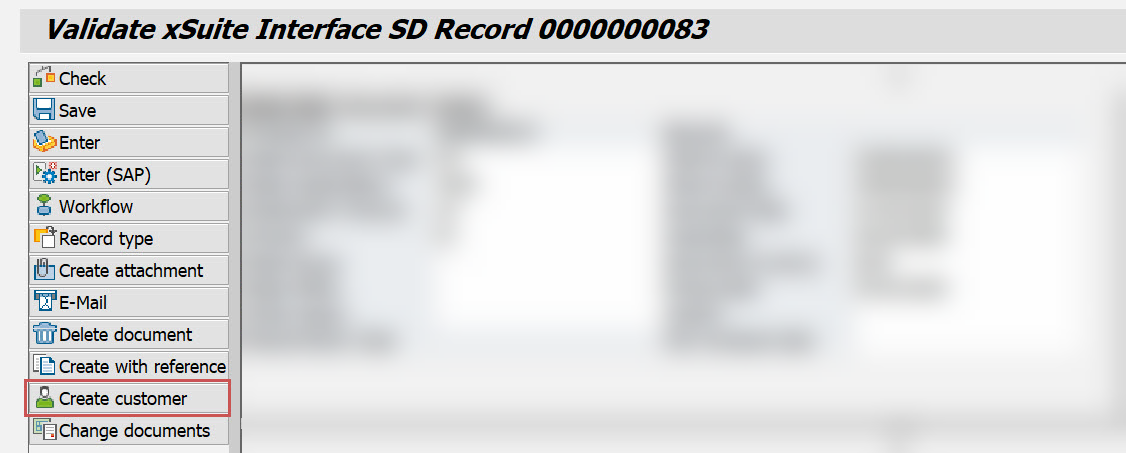 |
Clicking this button now calls transaction XD01 instead of transaction FD01. This allows you to enter the new customer's financial and sales data in one step.