FI "Complete document" step: Earmarking recurring entry (SAP Fiori)
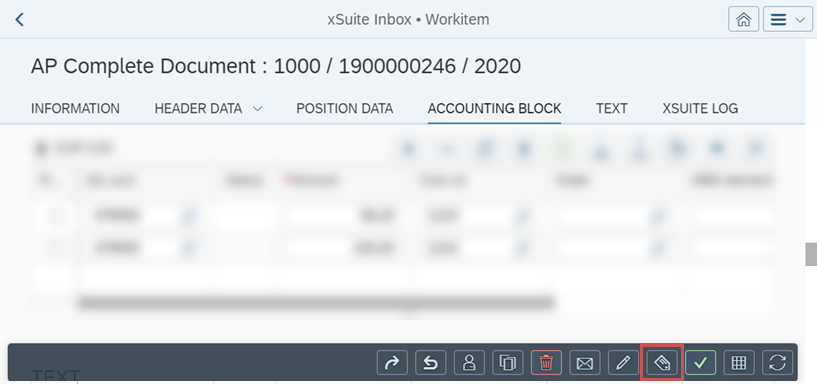
In SAP Fiori, for FI documents that are in the workflow task "Complete document" (role AAC1), the button  Tag document as recurring is now available.
 |
Work item not flagged with "Tagged as recurring"
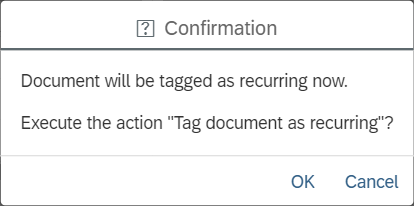
If the work item is not flagged with Tagged as recurring, the user click on the button Tag document as recurring and confirm that the document is earmarked as a recurring entry.
 |
In a second dialog, the user must then decide whether the document is to be posted or deleted at the end of the process.
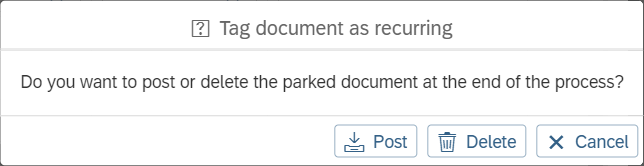 |
When posting or deleting, the flag Tagged as recurring will then be set in the work item and the selected action will be performed at the end of the process.
Work item flagged with "Tagged as recurring"
If the work item has already been flagged with Tagged as recurring, the flag can be removed again with the button Tag document as recurring.
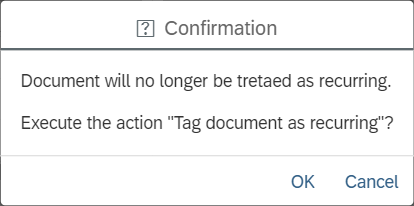
When clicking on the button, the user must confirm that the earmark for recurring entry is to be removed.
 |