"Change purchase order / Post GR" (Role LGPO) – xSuite Web / SAP Fiori
Notice
Prerequisite: In the /sap/bc/bsp/wmd/ui5_365/settings.js file, the xf5web.its_enabled web parameter has the value true. In the task assignment of xSuite Customizing, the task is activated as ITS task (transaction /WMD/BC_SPRO → xSuite Business Solutions → Workflow → Basic → Basic Settings → Assign Tasks).
In the workflow task "Change Purchase Order / Post GR," you can now call the SAP transaction /WMD/MIR4_LGPO in xSuite Web and in SAP Fiori.
Clicking on the button  Change purchase order in the area Post Goods Receipt opens the transaction as a Web Dynpro application.
UI – xSuite Web
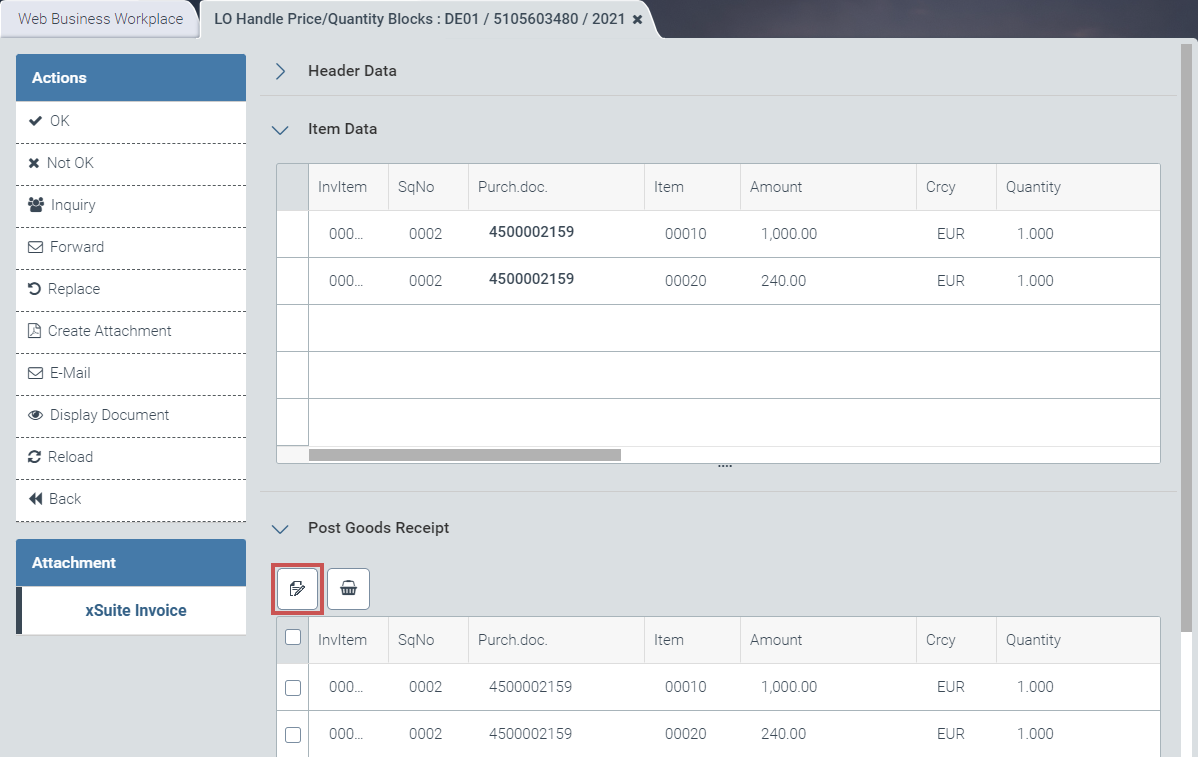 |
Here, the user can edit the data of the purchase order.
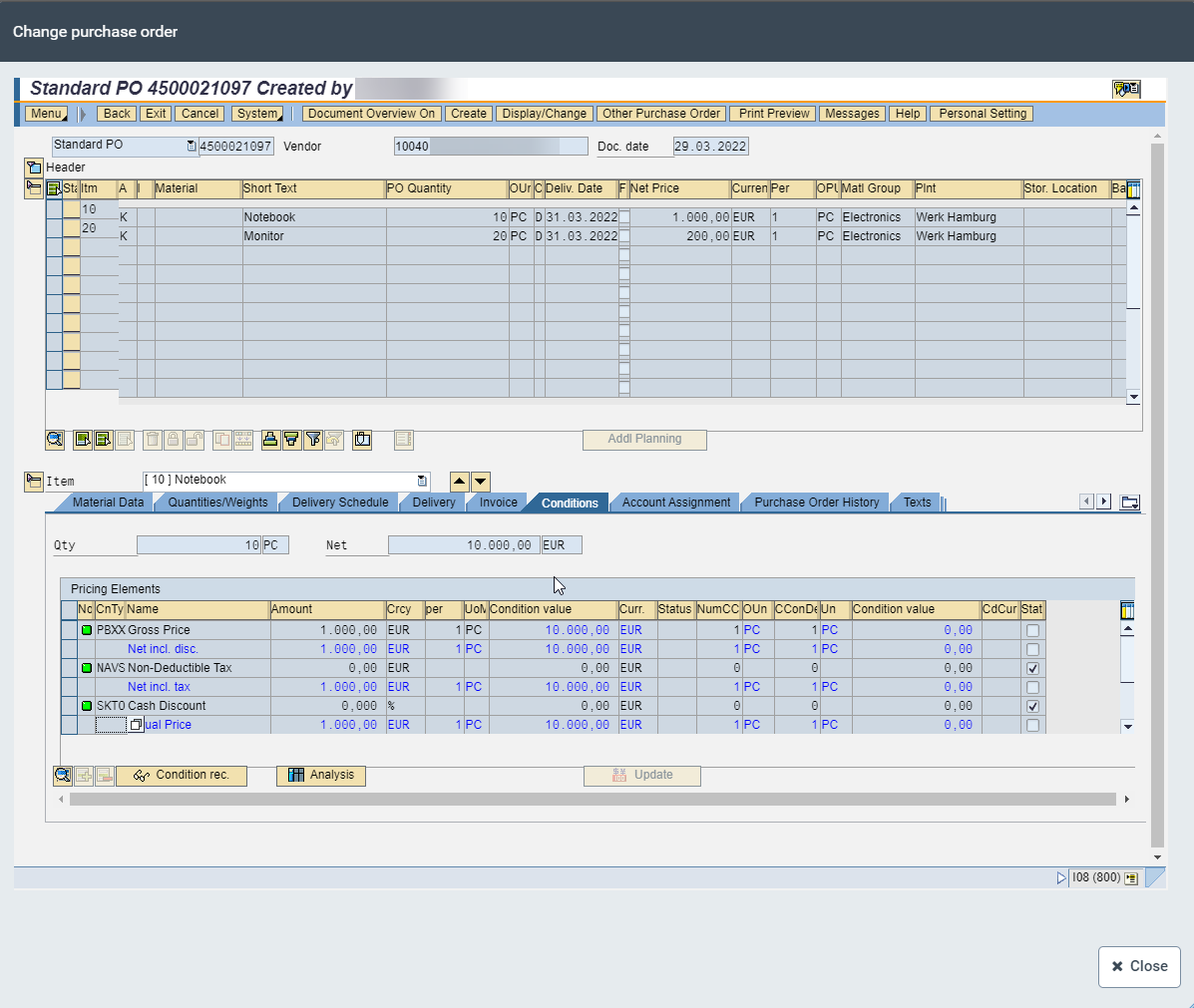 |
Once editing has been completed, the changes will be applied to the opened document in the item details of the pending purchase order. The item details can be called up by clicking on the Purch. doc. field in the item data.