AI-powered suggestions for MM documents
The button  Proposal for creating an account assignment proposal is now also available for MM documents and XI documents in the xSuite Invoice Monitor and in the workflow. When creating a new account assignment proposal, all existing G/L-account line items are deleted. The PO line items and the material and asset items are retained.
In order to activate the Proposal button for MM and XI documents, customer-specific toolbars must be created for the following object types:
/WMD/FP_IV (toolbar type ITEM_GL)
/WMD/XF_XI (toolbar type ACC)
/WMD/XF_LO (toolbar type ACC)
The button can be added to a customer-specific toolbar in the xSuite Invoice Monitor via the function code ACC_PROPOSAL, or in the workflow via the function code PROPOSE.
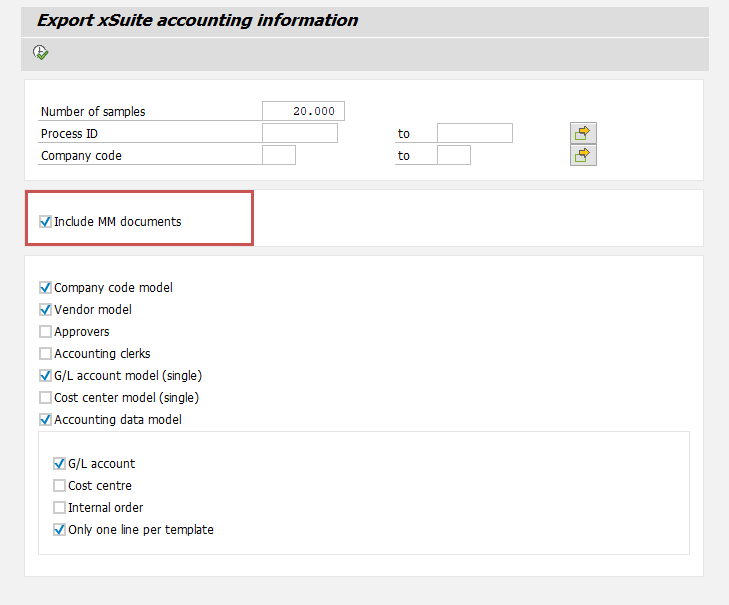
Training data is uploaded to the xSuite Prediction Server Helix via the /WMD/XF_IV_KERAS_EXPORT report. This report now also supports the transfer of MM documents. For this purpose, the Include MM documents option is available in the report's selection screen. When this option is activated, G/L-account line items from MM documents will be used to train the xSuite Prediction Server Helix.
 |