Integration of the PNG Viewer in the Order Confirmation Monitor
In the Order Confirmation Monitor in the SAP GUI (transaction /WMD/FP_OCM), the text of a document can now be selected in the PNG Viewer and transferred to a field by double-clicking. The target field can be located either in the header data or in the confirmation items.
In order for the text to be transferred, the user must first click on the  Activate doc. viewer data input button in the desired area. Data can then be transferred from the viewer to a field.
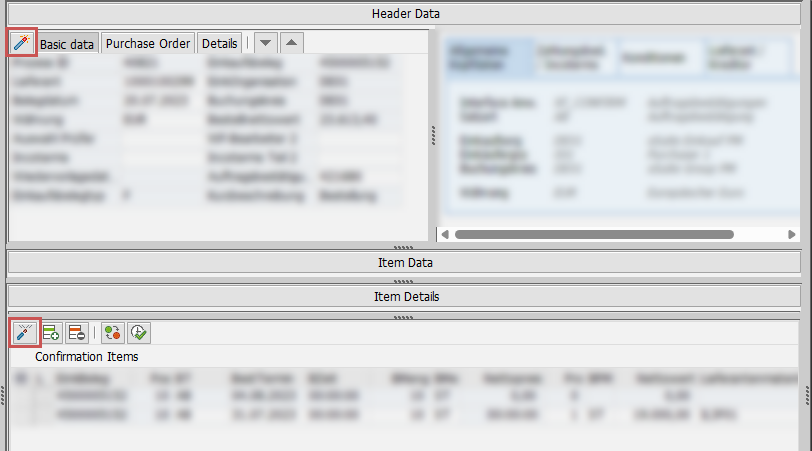 |
The necessary mapping of the capture field names to the SAP field names is carried out for each record type via the transaction /WMD/BC_SPRO → Interface → Field Mapping.