xFlow Feeder Templates
Feeder line items that once have been created (procurement request) can now be saved as a template. This is helpful, for example, if the order contains consumables that are ordered on a regular basis. Account-assignment line items are also included.
First of all, the line items are captured as usual:

Account assignment is performed for the line items (in this example a multiple account assignment):
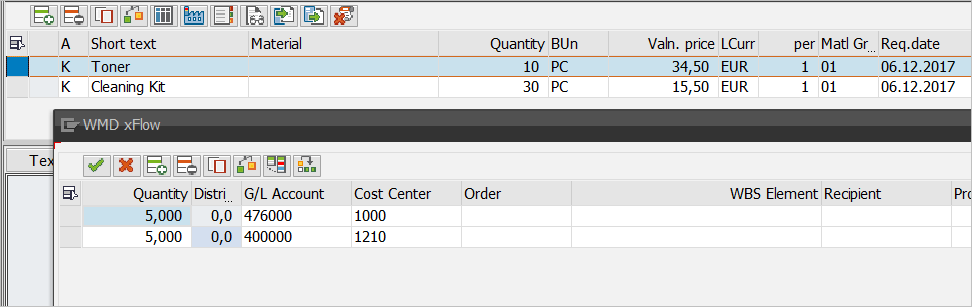
You can now save captured line items as a template. The system processes all line items that are not flagged for deletion.
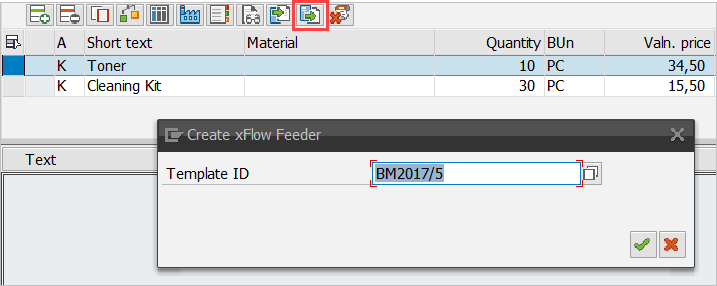
Before the data is saved, you need to enter a unique template ID:
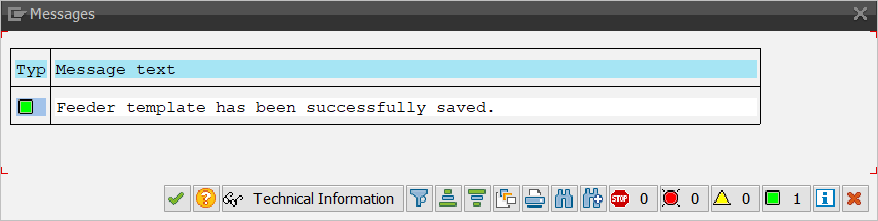
The system will then issue a final confirmation message:
As it is possible to overwrite existing templates, the screen offers input assistance:
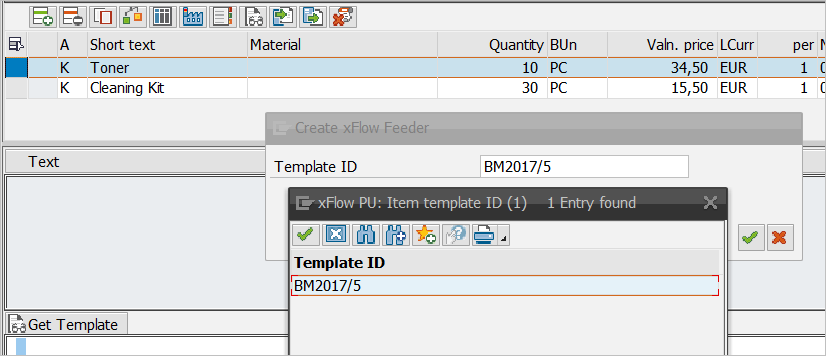
For each entry, the system will check whether the template already exists:
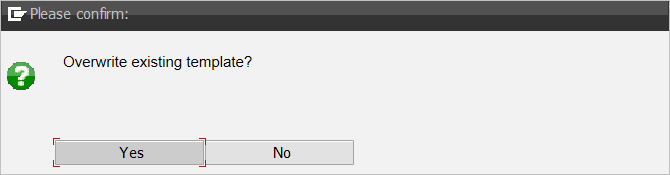
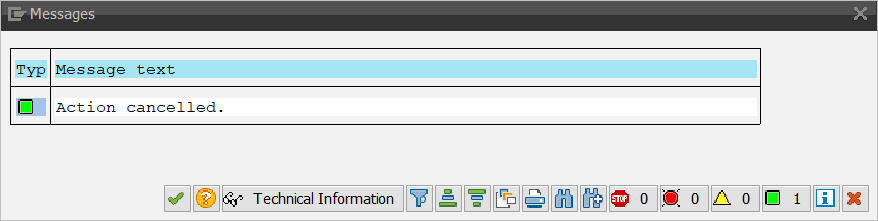
In this case, the system rejected overwriting the template:
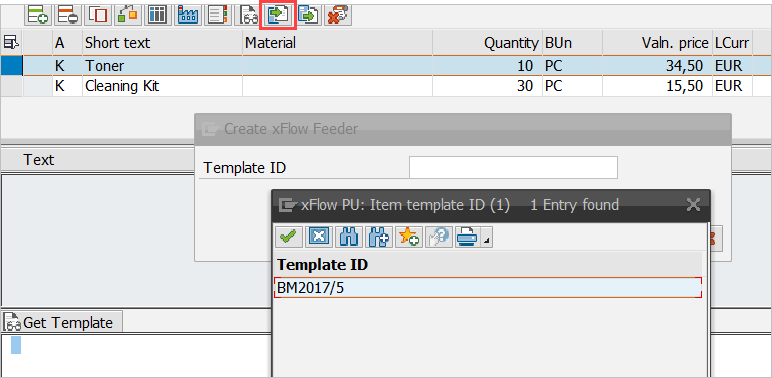
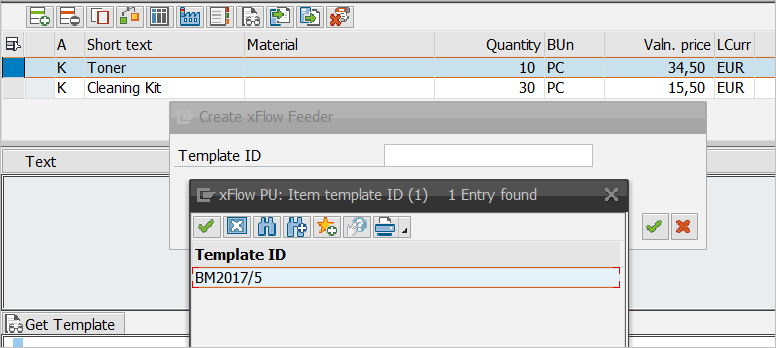
If you create a new feeder, you can use a template previously created to generate the line items:
Result:

If you no longer need a template, you can permanently delete it:
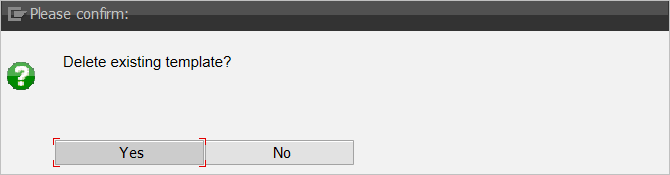
You need to confirm this deletion:
The system will then issue a message in response:
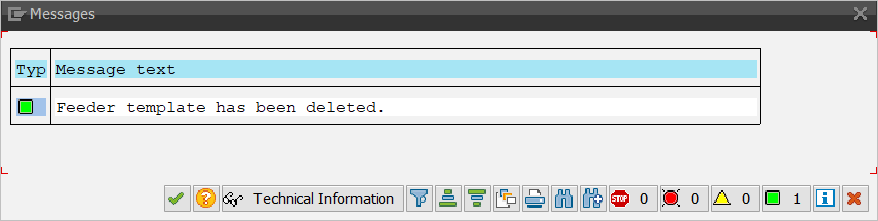
The template has been permanently deleted and can no longer be used.
Note
The line-item data for the templates is stored in the table /WMD/XF_PODAT_TP. Account-assignment data is maintained in the table /WMD/XF_POEBK_TP.