Procurement Overview
The Procurement Overview has been extended to include the batch processing functions Forward document, Execute work item, and Release purchasing document.
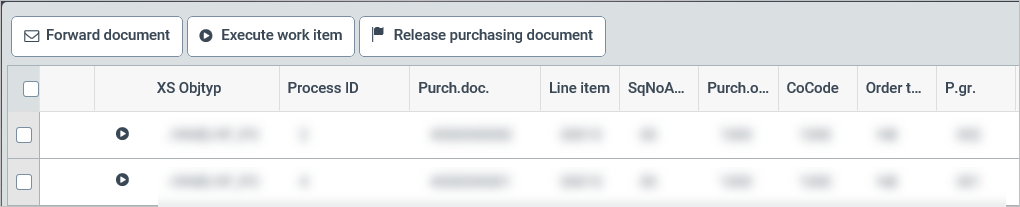
Button "Forward document"
Requirements for forwarding documents:
The documents have the status READY.
The user is a valid agent.
Documents selected simultaneously belong to the same task and the same company code.
As in the workflows, when a valid selection is made, F4 input help will appear and can be used to select the forwarding target.
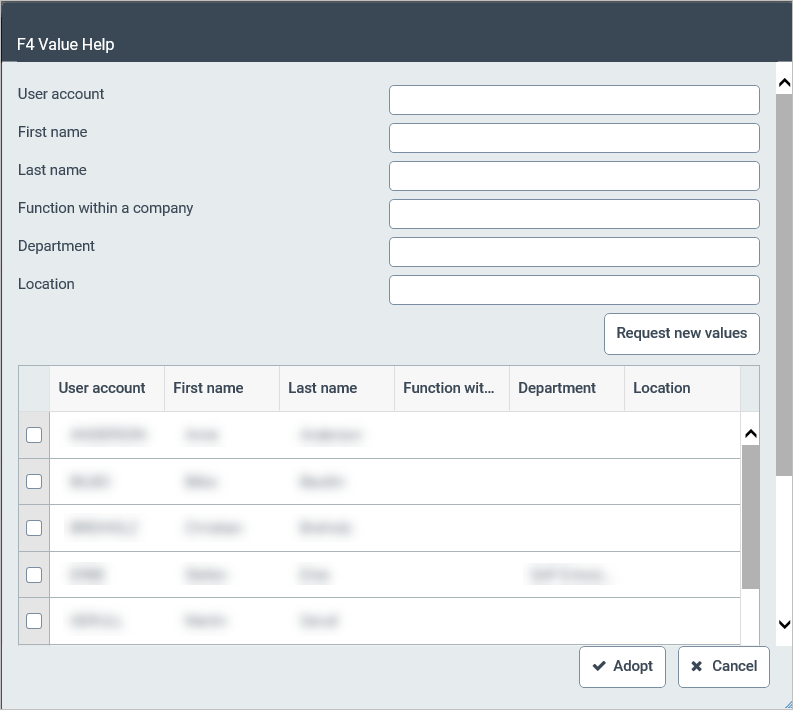
Once documents have been selected and confirmed, forwarding is carried out. The overview is then updated.
"Execute work item" button
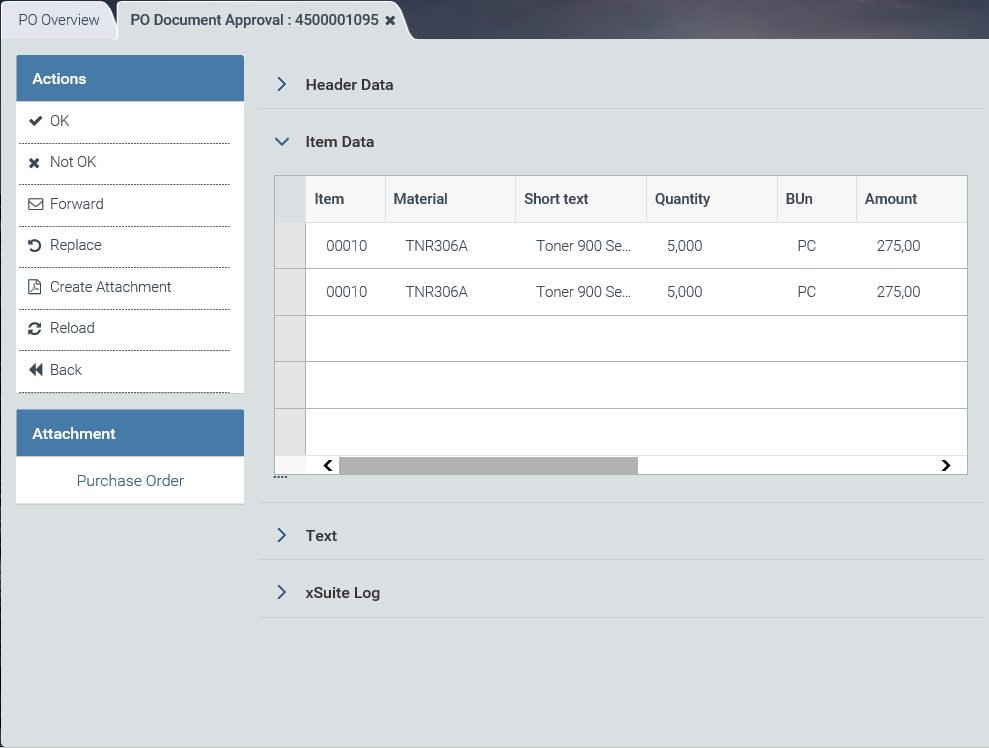
Selected work items appear in sequence either in display mode (external user) or execution mode (own user), depending on the user assignment.
After the user has processed an item and closed it with Back or X, the next work item will open in the same position. When the last work item is closed, the results list of the procurement overview will be reloaded.
Display mode:
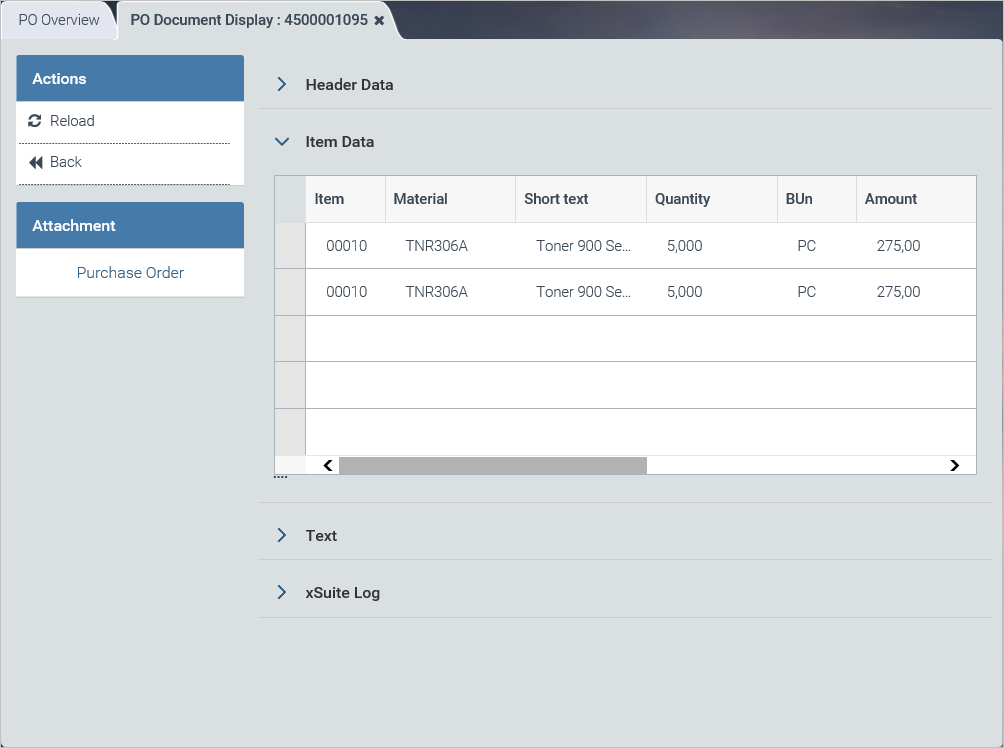
Execution mode:
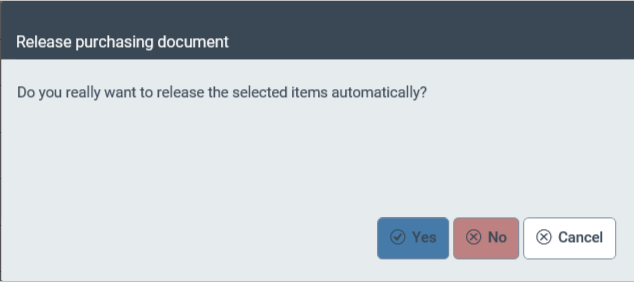
"Release purchasing document" button
When purchasing documents are released, documents for the tasks PFRE, PRRE, or PORE must be selected. When the prompt has been confirmed, the selected documents are released or rejected.