"Select Approver" Tasks
It is now possible to edit the "Select Approver" tasks both in xFlow Web and in xFlow Fiori. More specifically, the following roles are available in xFlow Web: AAC0, LAC0, PFSV, PRSV, POSV, and ORSV.
xFlow Mobile does not offer this functionality.
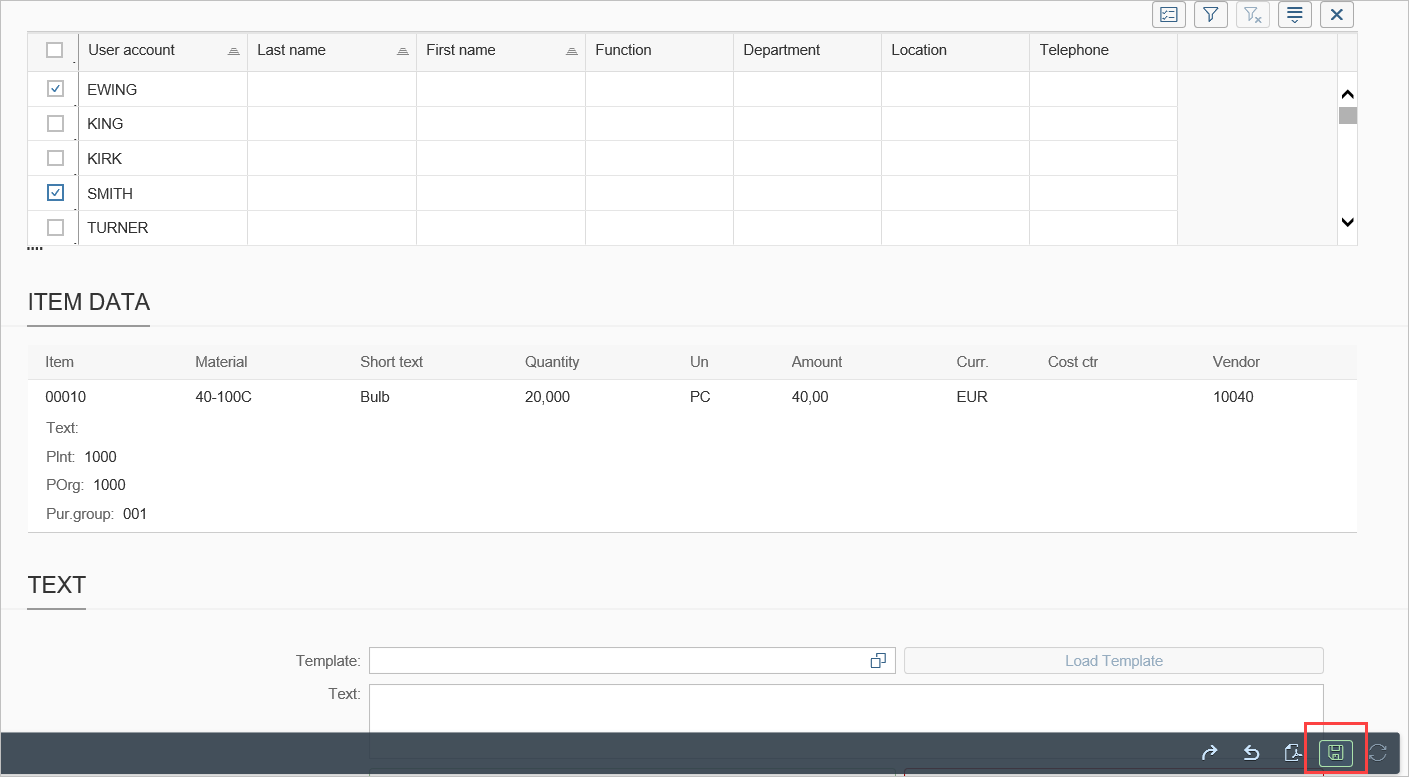
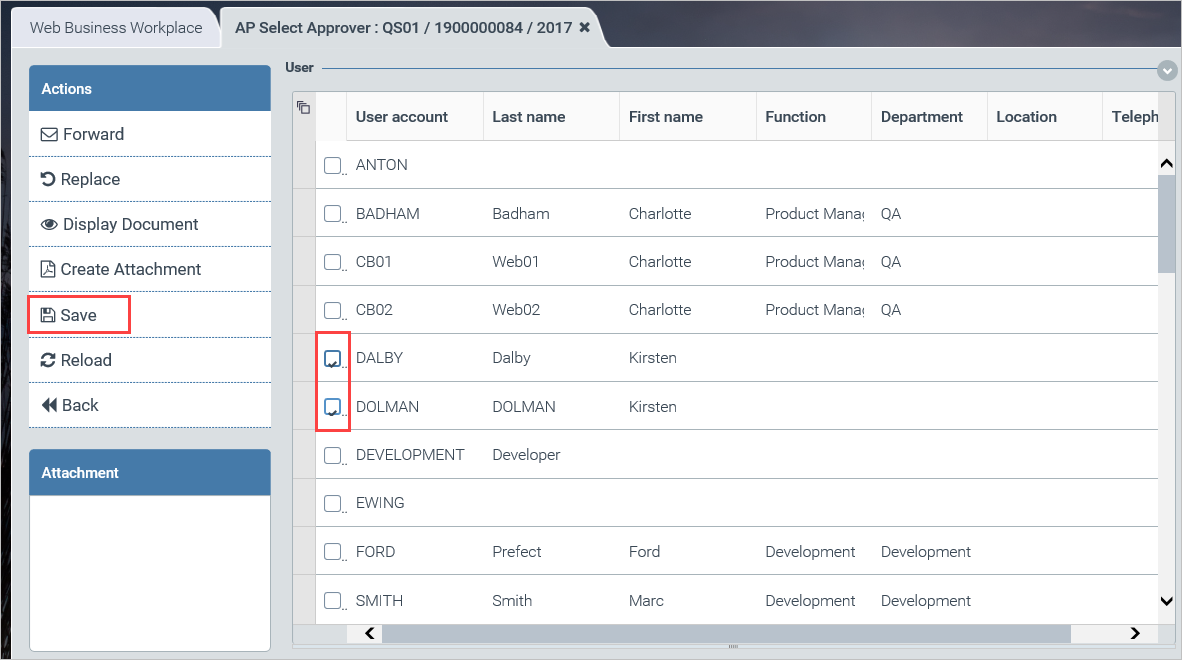
Approvers can be selected from the table that displays the users available. To complete the procedure, select the user desired. Then click the Save button in the sidebar on the left.
The function is identical in xFlow Fiori. Only the save button is in a different location, in the toolbar under the document data in the lower right corner of the screen.