F4 help for attachments in payment requests (xSuite Web)
If payment requests for a document type are configured to only upload specific document types as attachments, the upload form in the xSuite Web user interface will be extended.
Then the Document type field will also be displayed in the Attachment area. The F4 value help of the field opens the selection dialog for document types.
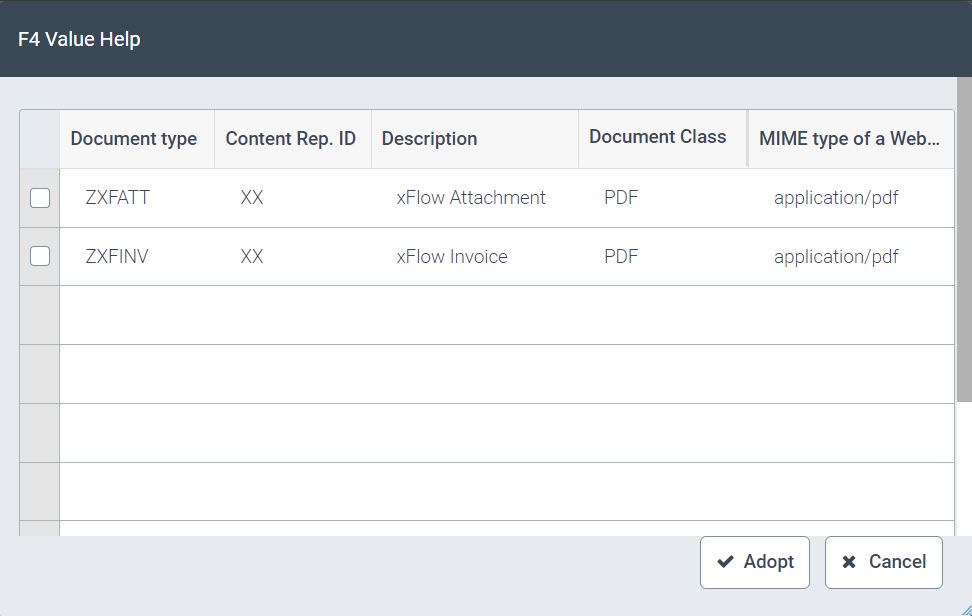
After selecting a document type, a file of the corresponding type can be attached.
An error message will appear both when selection fails when the field is available, and when an attempt is made to upload a document that does not correspond to the selected document type.


The operation of the upload form works as usual, without the need to configure valid document types.