Miscellaneous
"Settings.js" file
The file settings.js used in the past has been replaced with the file Settings.js, which is instantiated within the application as a model.
In addition, the following settings options have been supplemented under cust_vars:
Setting | Value(s) | Description |
|---|---|---|
MOBILE_LISTS_STICKY_HEADERS | true/false | Sets whether the header area of columns in tables and lists is fixated along the upper edge of the screen. |
MOBILE_LISTITEM_FADETIME | int | Determines how long the work items in the work-item list need to end their animation. 0 = No animation. Specified in milliseconds. |
MOBILE_LISTITEM_MARK_AS_UNREAD | true/false | Determines whether a work item in the work-item list is to be flagged if it has not been opened or assigned. |
MOBILE_AUTOMATIC_UPDATE | int | Determines the interval in which an automatic background update or work-item list is to be executed. To save data volume, this value should not be set too low. To prevent unexpected behavior, it should not be set to less than 10 seconds. 0 = No automatic update. Specified in milliseconds. |
MOBILE_STANDALONE_USE_COOKIES | true/false | Determines whether an application is permitted to use cookies when it is in stand-alone mode. Cookies are used for automatic login after the application has been exited, to route the user back to the work item currently open. This setting is especially relevant for iOS devices, as all session data is is deleted when a stand-alone application is minimized. |
MOBILE_STANDALONE_COOKIE_LOGIN_LIFETIME | int | Specifies the lifetime of cookies responsible for automatic login. Specified in days. |
MOBILE_STANDALONE_COOKIE_WI_LIFETIME | int | Specifies the lifetime of the cookie that saves the work item last opened so that navigation to the work item will still be possible after having minimized it. Specified in minutes. |
Optical flagging of the selected tab
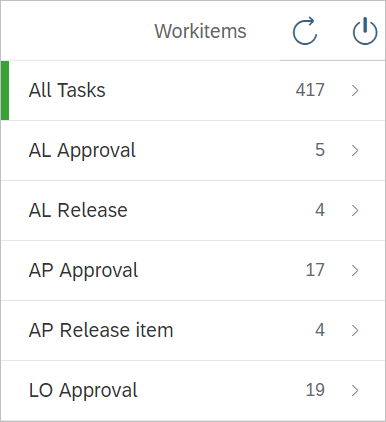
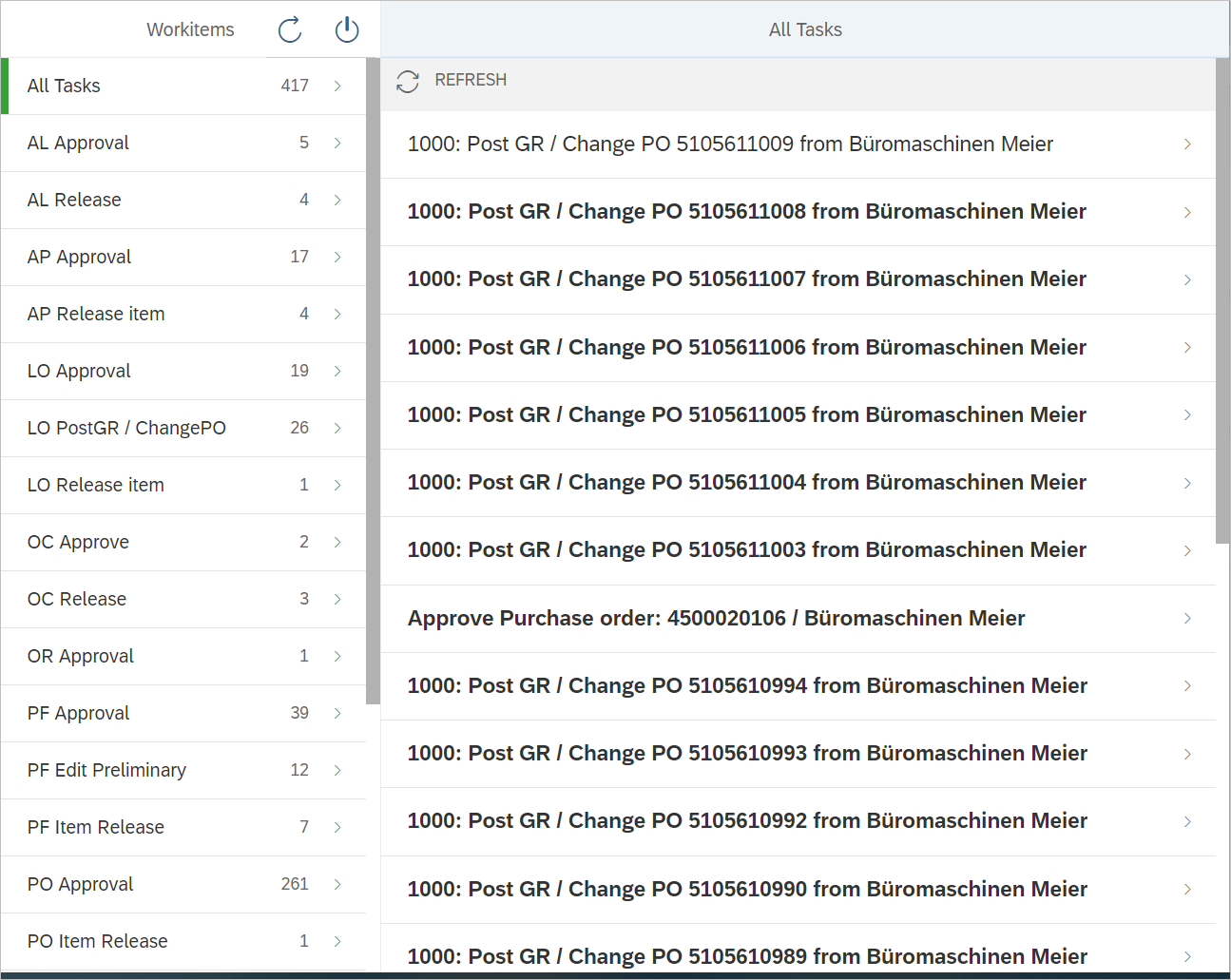
In the work-item list and in the detail view of work items, the tab currently selected is highlighted in green for improved orientation.
Gesture control
The work-item list is now refreshed when swiped down. Swipe to the left or the right to continue navigation or to go back, respectively.
Unopened work items
Unopened work items can now be highlighted visually. The work-item property reserved indicates whether a work item is unopened. Highlighting can be turned on and off in the file settings.json.
"head_settings.js" file
Structural data for the display of header data of work items is prepared in the file head_settings.js.
This file should not be changed since it will be replaced at a later point in time.
Replacing JS views with XML views
All JS views have been replaced with XML views. This is relevant for the routing used since it allows reliable navigation between views of the same type. Also, using XML views makes loading more performant.
The views can be customized in the method onInit or onAfterRendering of the respective controller.
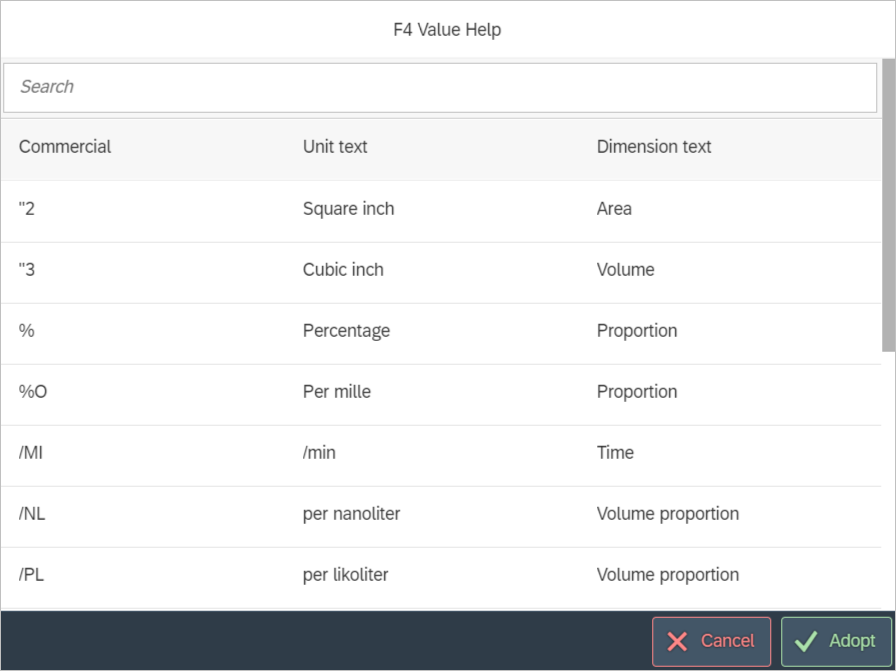
F4 help commands
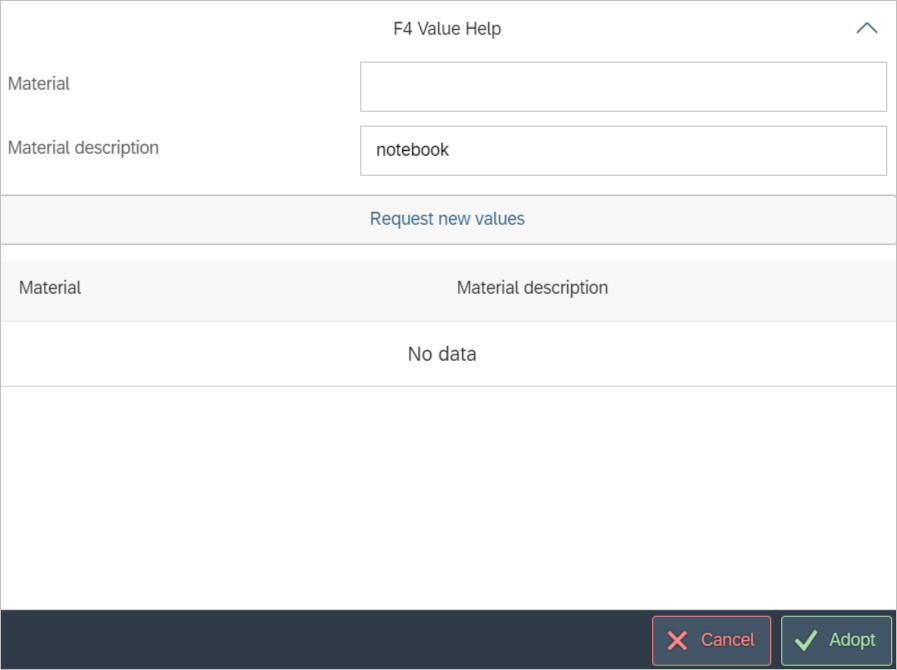
To make more space available for display of the results list, the search fields in a Level 2 F4 help are minimized after execution of a search:
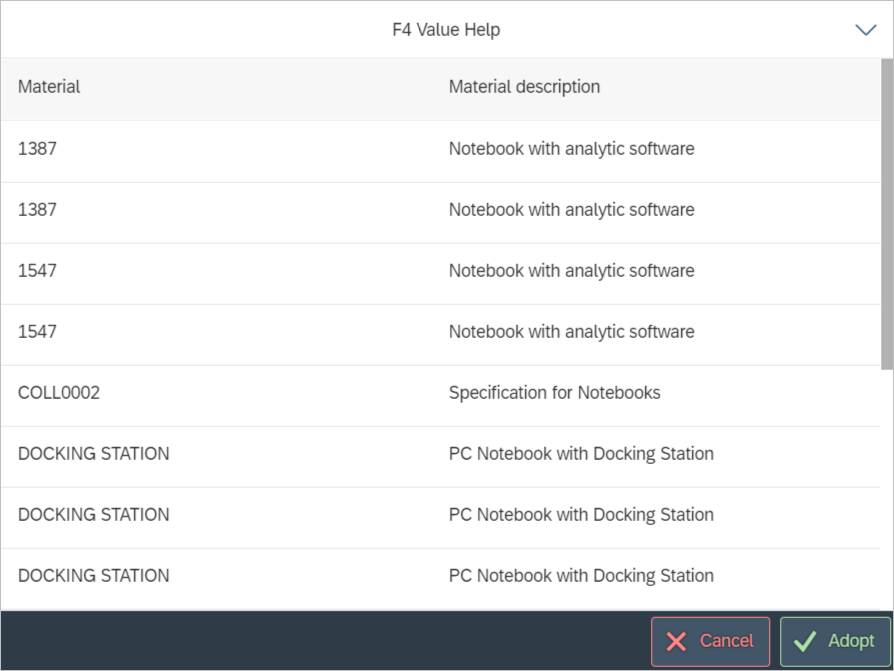
Level 1 F4 help has a search tab for rapid filtering of the results list: