Drag and Drop for Uploading Attachments
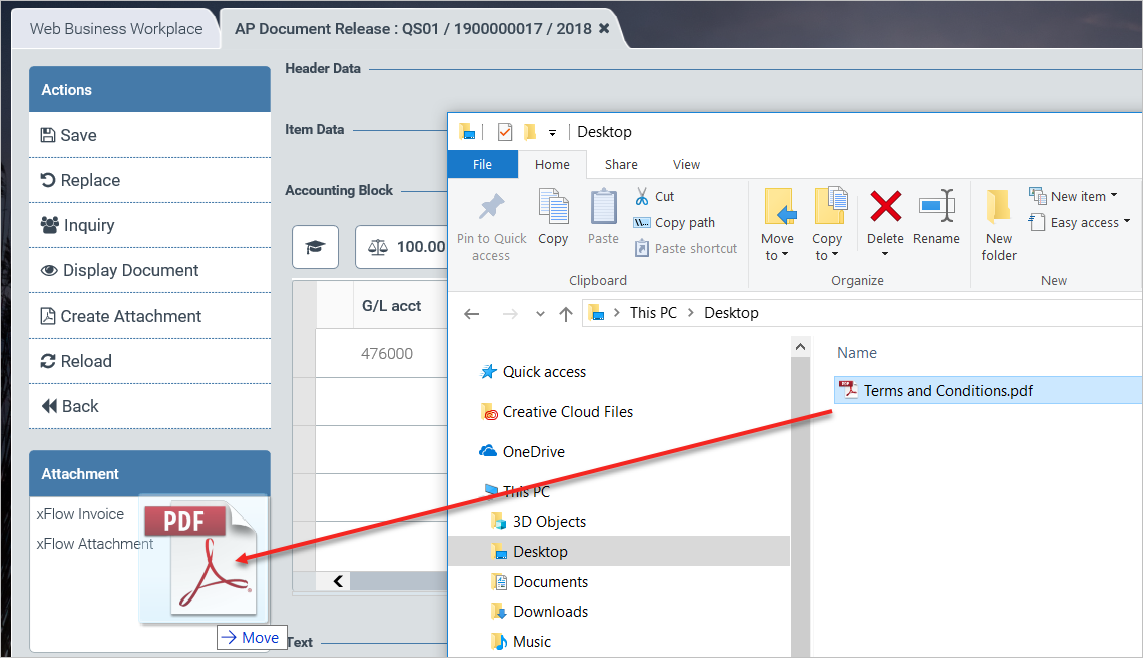
As already implemented in xFlow Fiori, it is also possible to upload attachments by drag and drop in xFlow Web. To do so, click on an attachment, hold it, drag it to the list of attachments, and let go.
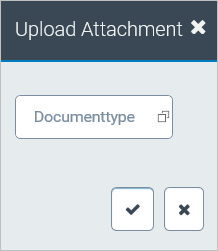
The regular dialog for selecting the document type will then open.