Added functions in the Invoice Monitor (SAP Fiori)
Route preview
If the Route Preview button is configured for the Invoice Monitor in customizing for the back-end, the corresponding functionality is available in the xSuite Invoice Monitor App, and the button is displayed in the documents.
For information on functionality, see Route Preview.
SAP document display
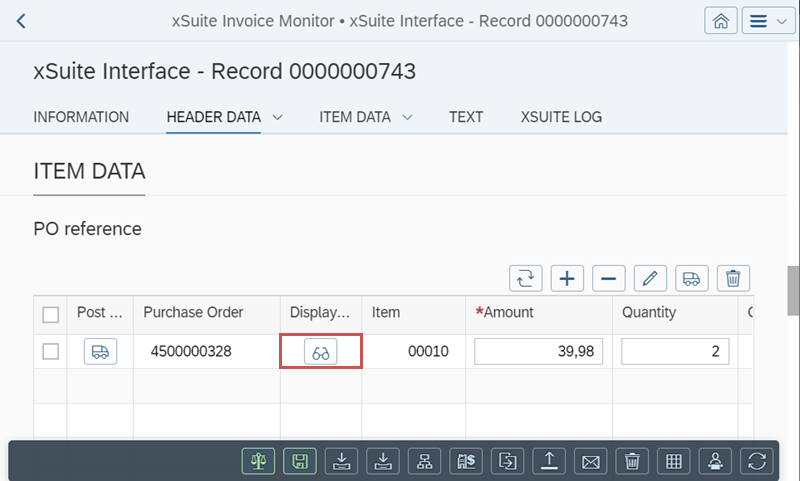
In the Item Data area of a document in the Invoice Monitor, the associated SAP document can now be opened using the ITS functionality.
If the ITS functionality is active, the  Display SAP document button will be visible.
 |