UI Elements in the Procurement Overview (xSuite Web)
The Procurement Overview in xSuite Web now only displays those columns that are actually available according to the search criteria selected.
In the column settings, the complete set of columns is displayed on the right side. The left side lists the columns that are displayed. All columns that are grayed out are not currently available for display.
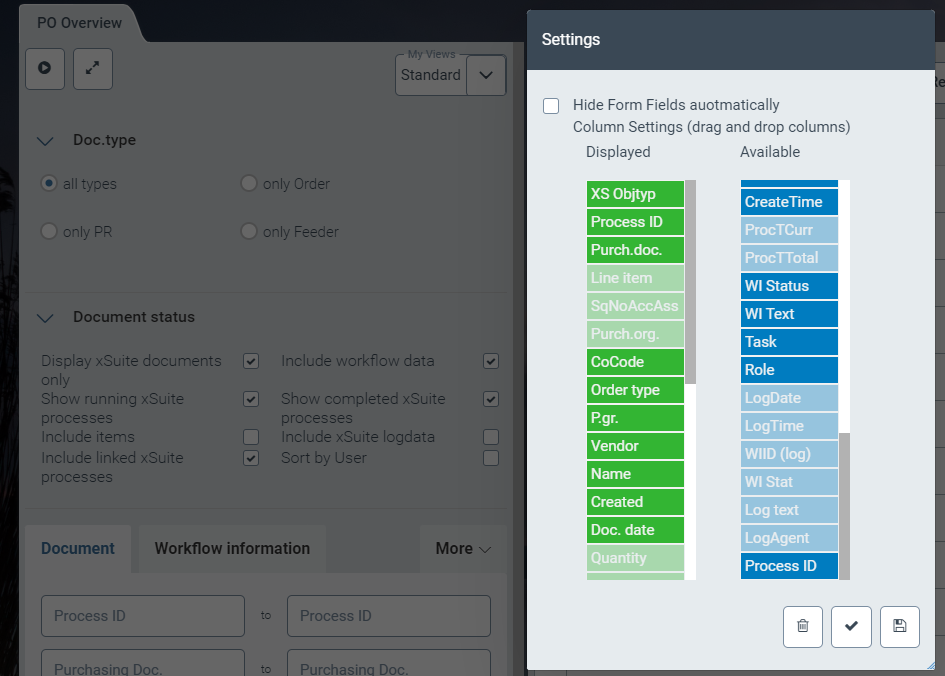 |
When other search criteria are selected, more columns become available for selection on the right side of the column settings.
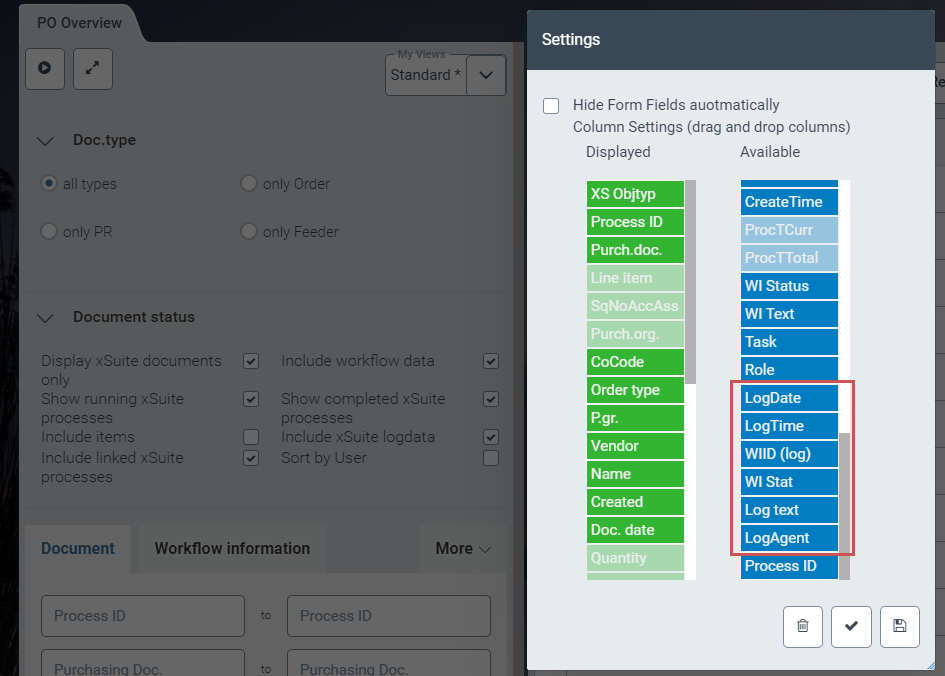 |
To display these columns in the list, drag and drop them to the left side.