F1 History for Selecting an Approver
There is a filter line at the top of the dialog screen for selecting the approver. Use the filter to restrict the pick list.
This filter line now has a history function. When you place the cursor into the corresponding field ( Telephone in this example) and then press the F1 key, a pop-up window showing a list of previously entered filter terms will open:
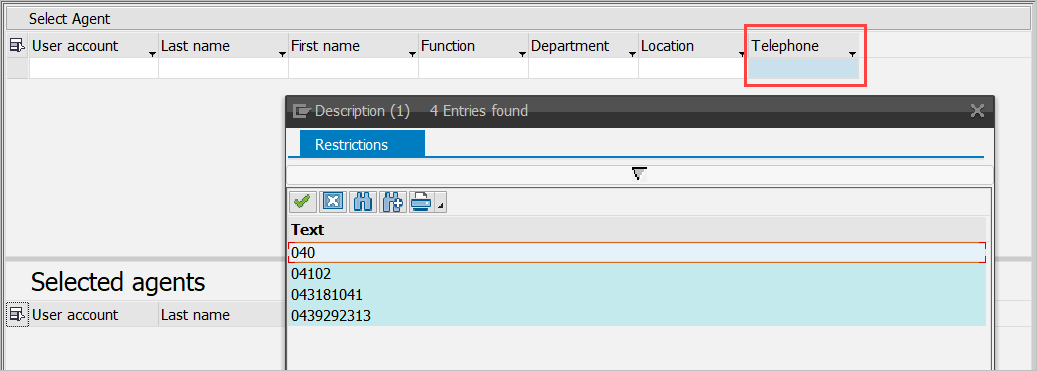
Figure 26. Input history pop-up window
Double-click the corresponding line to apply the value to the filter field:
