Invoice Approval with GR Reference in XI Workflow
The preliminary line items described in Missing Goods Receipt for GR-based Invoice Verification are lines in which the required GR entry number is still missing. For easy processing of lines like this in the "Check Goods Receipt" task in the XI workflow, the function “Post Goods Receipt" has been extended to allow automatic adoption of the GR numbers generated there into the appropriate account assignment lines.
Example
A purchase order with GR-related invoice approval:
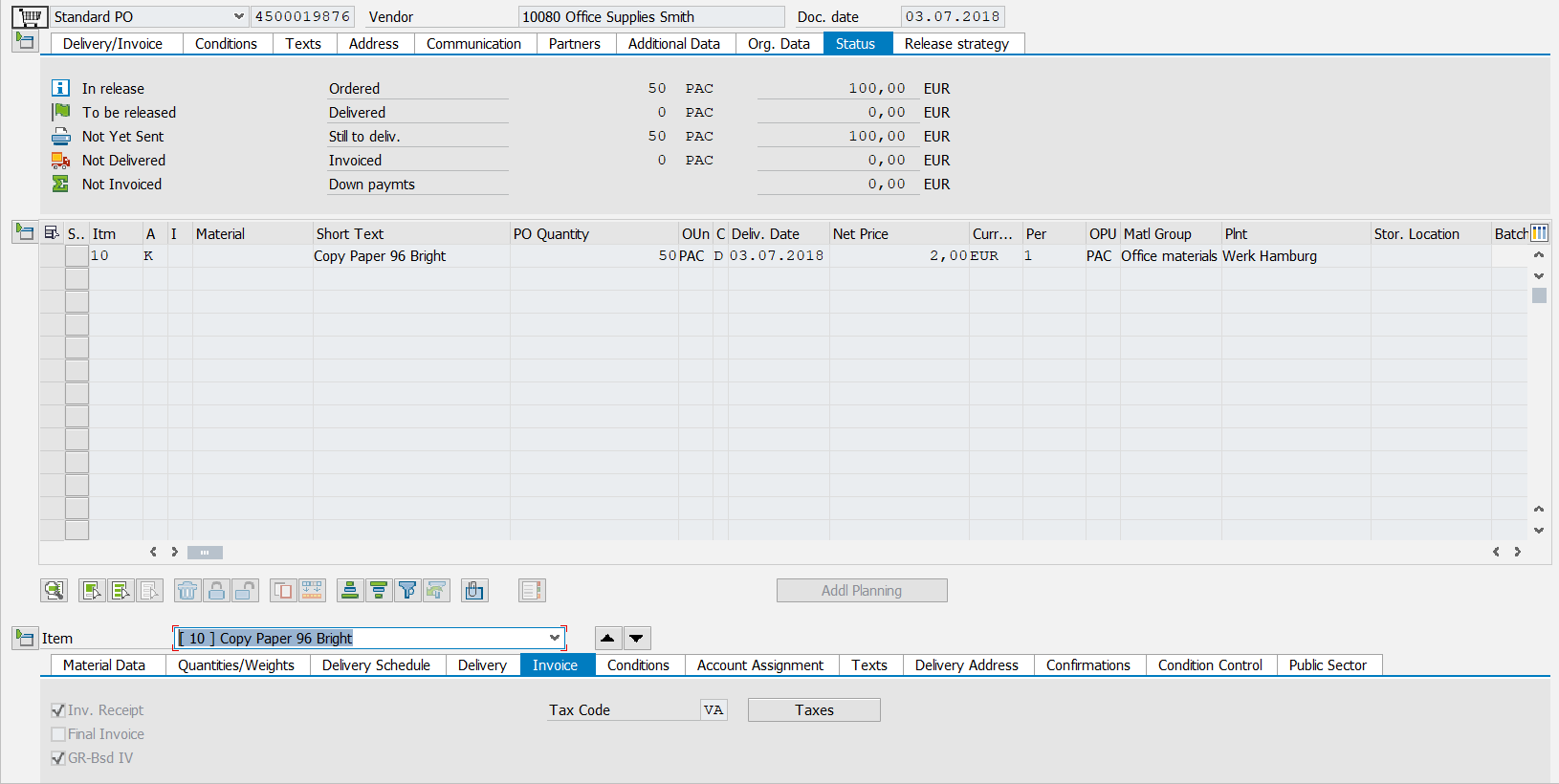
A preliminary line item is generated in the Invoice Monitor, and the document is now in the step "XI goods receipt". The user generates a goods receipt which is automatically adopted to the line item in the document:

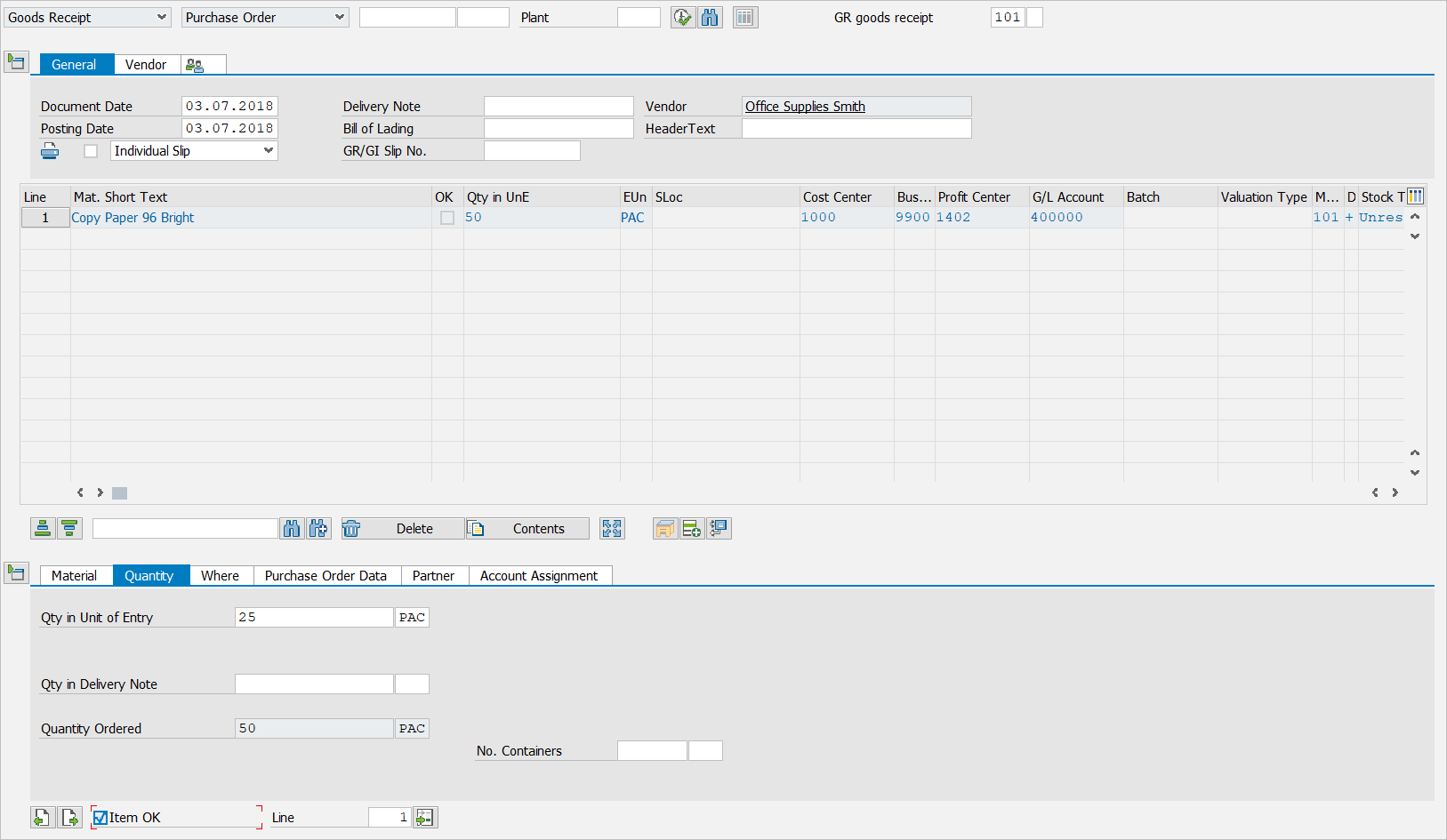

In the case of this automatic adoption, xFlow checks the line item of the goods receipt to determine whether the Accounting Block contains a matching preliminary line item with a missing (empty) goods receipt. This is then assigned.