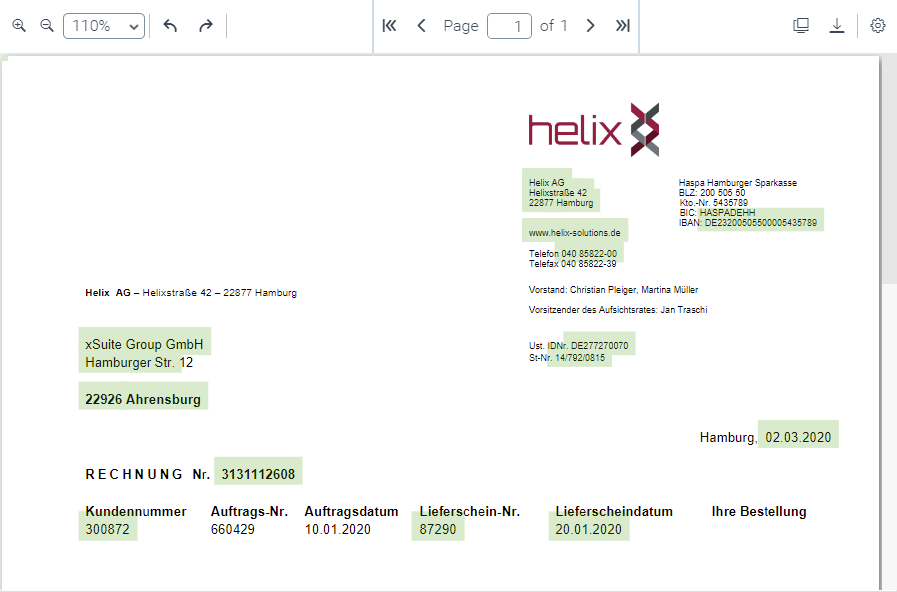
Highlighting field values found in an area of the image
Open a work item. For more information, see Opening a work item.
The image of the work item will be displayed in the Document Viewer.
Click
 Open viewer menu in the Dokument Viewer toolbar.
Activate the option Select field values found.
Navigate to a page in the image. For more information, see Navigating to a page in the image.
Drag the mouse over an area while holding down the mouse button.
All found field values that are located within the frame will be highlighted in green.