Selecting multiple archives
Open the archive overview. For more information, see Opening the archive overview.
Click
 Multi-archive search / single archive search on the archive toolbar.
Check boxes will be displayed alongside the archives.
Activate the check boxes of the archives you wish to select.
In the hit list, the archive for each document will be displayed.
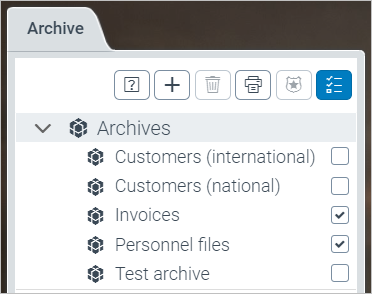
If a archive has multiple levels, expand the archive. Select the check boxes of the absences you wish to delete.