Forwarding a work item
Open a work item. For more information, see Opening a work item.
Click Forward in the Actions section.
The Forward dialog will open.
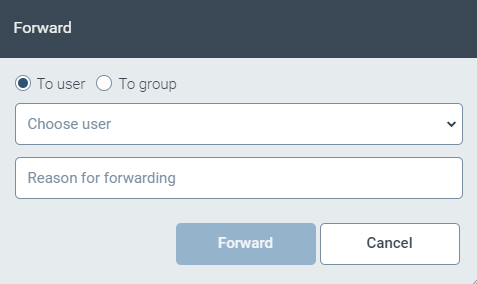
Specify the name of the party to whom you want to forward the work item. You can select individual users or user groups.
If required, enter a reason for the forwarding.
The reason is displayed as a comment in the work item.
Click Forward.