Sorting documents
You can sort the list of receipts by column. You can sort one or more columns in the table.
Sorting receipts in ascending order
Navigate to Inbound or Outbound.
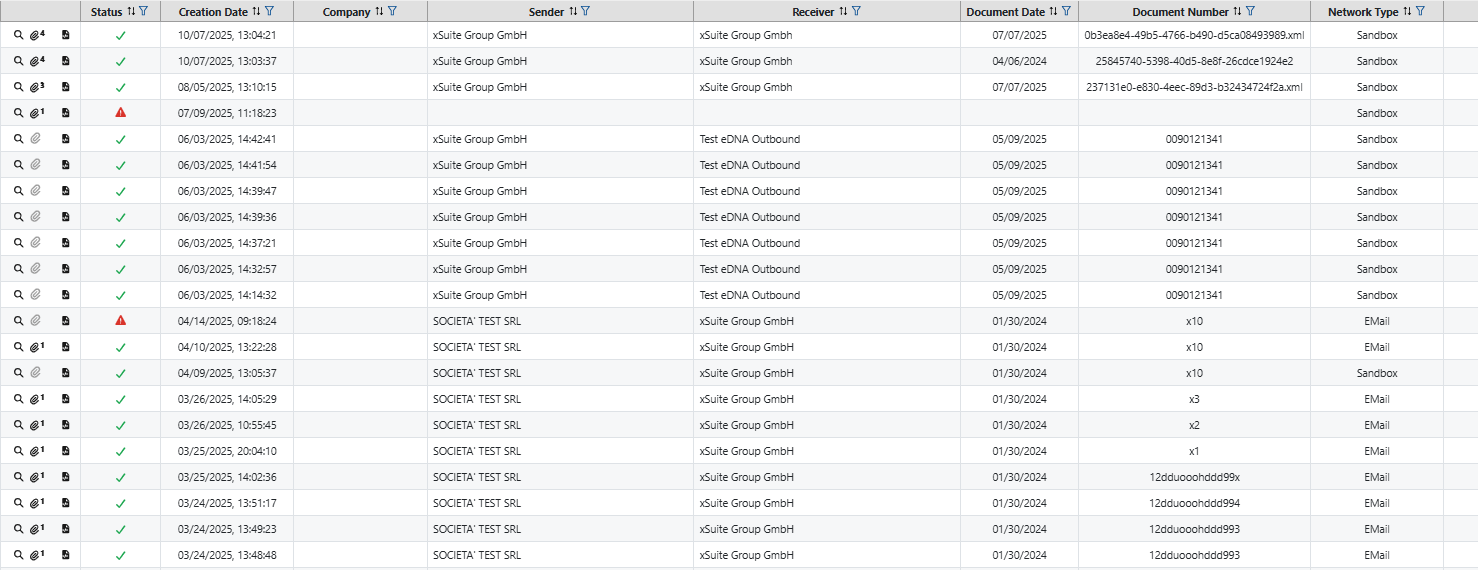
➣ The Monitor area with the table of all documents will open.
Notice
The Monitor section contains all documents. This means that even documents that were not recognized as invoices are listed in the table.
Unlike the Monitor area, the Invoices area only contains documents that have been recognized as invoices by the system.
Optionally, click on the Invoices navigation area. Here you can filter incoming or outgoing invoices.
Click once on the button
 in the selected column to sort in ascending order.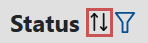
➤ The data in the column is sorted in ascending order. Ascending order is indicated by the button
 .
.Notice
To remove the sorting of a column, click the button
three times in total.
Sorting receipts in descending order
Navigate to Inbound or Outbound.
➣ The Monitor area with the table of all documents will open.
Double-click the
button in the selected column to sort in descending order.➤ The data in the column is sorted in descending order. Descending order is indicated by the icon
 .
.Notice
To remove the sorting of a column, click the button
three times in total.