Archive document notes
Internal notes are added to an archive document in the form of memos.
Notes are not part of audit-proof storage. Therefore, no new version will be created for an archive document when you add a note.
A note can only be added to an archive document if all changes to the archive document have been saved. Notes cannot be edited or deleted.
You can search for notes. For more information, see Fulltext search.
Adding a note to an archive document
Open an archive document. For more information, see Open an archive document.
On the archive document toolbar, click
 Add note.
The dialog screen Add note will open.
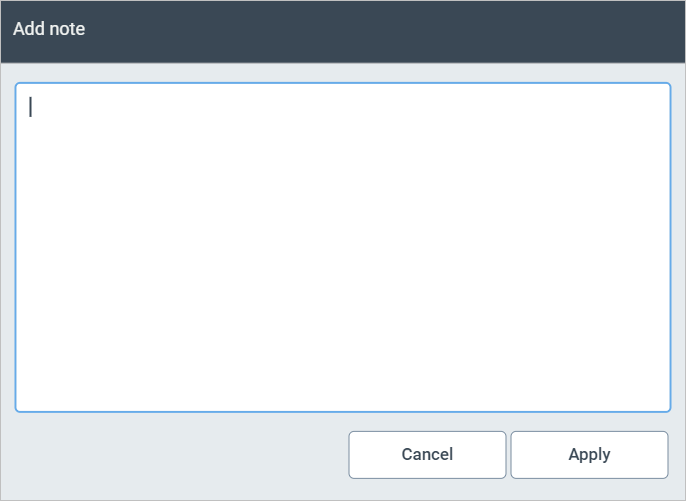
Enter the desired text.
Click Apply.
Viewing archive document notes
Open an archive document. For more information, see Open an archive document.
Open the section Notes.
The notes will be displayed. Information as to when and by whom the note was added is located above the field of the respective note.
