Deleting a default role
In the Administration tile group, click on the User Management tile.
Note
If the tile is hidden, open the default dashboard. For more information, see Opening a dashboard.
The User Management screen will open.
Select the view Default roles.
The Default roles view will open.
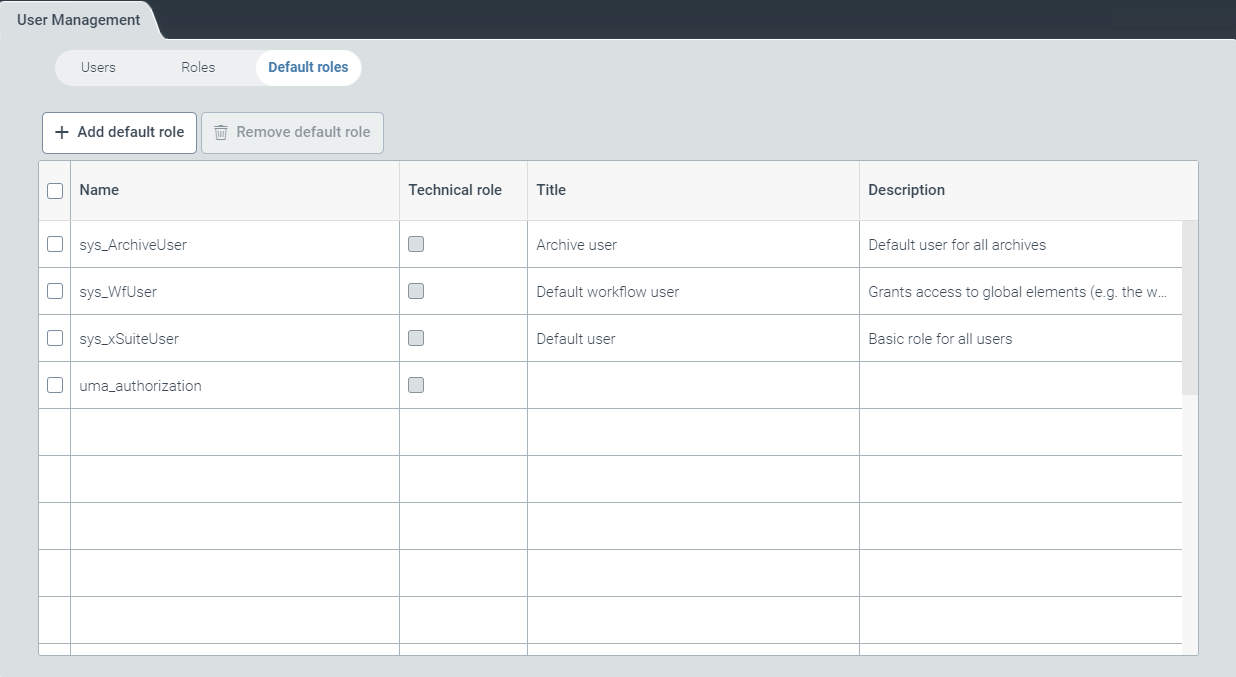
Select a default role and click Remove default role.
The selected role is removed from the list of default roles. The selected role will still remain in the list of roles (Roles view).