Creating an archive document
Select a single archive. For more information, see Selecting a single archive.
Click on
 Create new document in the archive toolbar.
The archive document will open in the new tab, Document.
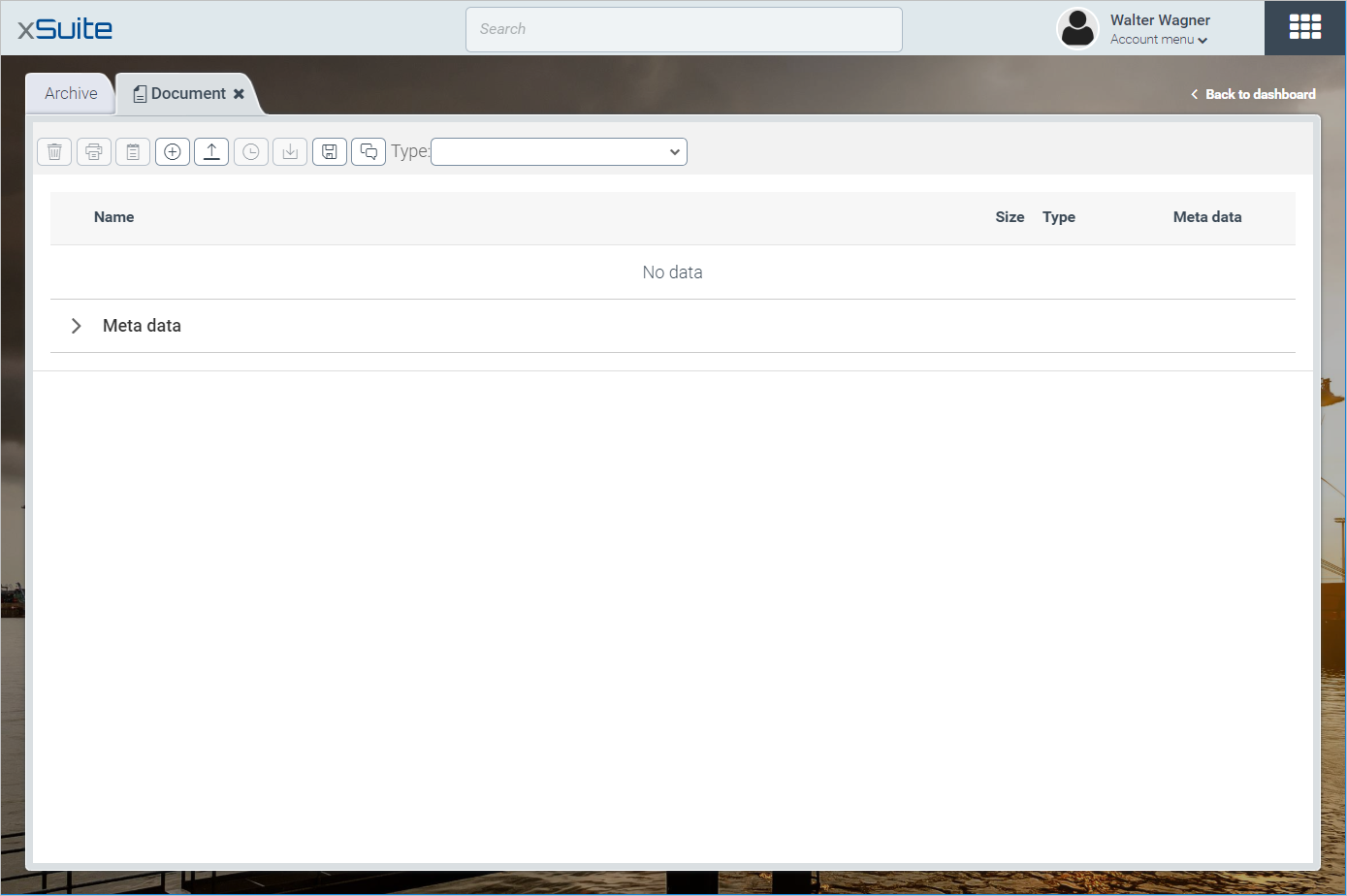
In the pick list Type, select the document type. One of the two following scenarios will apply:
A default document type has been set for the archive you have chosen.
This is the only document type you can select. The index fields that belong to the default document type will be displayed.
No default document type has been set for the archive you have chosen.
You can select a document type. The index fields that belong to the document type will be displayed.
If the archive is an unstructured folder from a legacy system or you only are selecting it a single time, do not select a document type.
Edit the following data:
Enter values in the index fields.
If an index field is a linked field, you can copy the value from linked archive documents. For more information, see Relations in archive documents.
If necessary, create additional index fields. For more information, see Creating index fields.
Upload the attachments to be archived with
 Add file. For more information, see Uploading attachments to an archive document.
If required, add a version comment with
 Version Comment. For more information, see Adding version commentary.
Click
 Save.
Save.