Creating an absence with a substitute for all work items
Go to the web client ribbon and select User Menu → Account Settings → Absences.
Your absence screen will open.
Click on
 Create absence.
The New absence dialog will open.
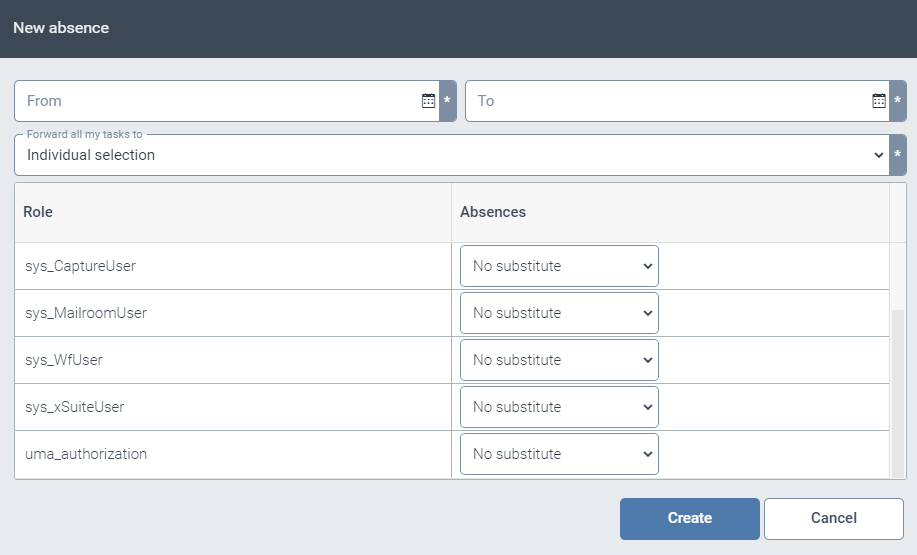
Enter the period of your absence using the From and To fields.
In the drop-down list Forward all my tasks to, select the user who will see all your work items during your absence.
Click Create.