Setting wallpaper for the web client
From the web client ribbon, select User Menu → Account Settings → Display Settings.
The display settings will open.
In the Wallpaper area, select images for the web client.
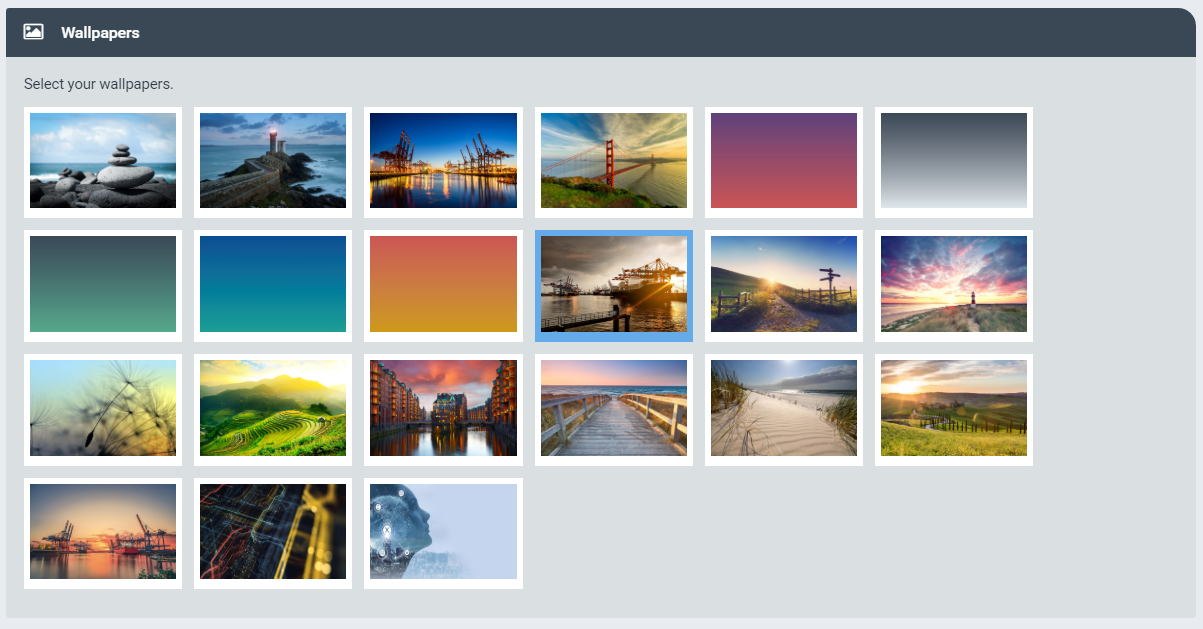
You have the following options:
Option
Procedure
Always displaying the same image
Select the image to be displayed and deselect all other images.
Displaying multiple images in alternation
Select the images to be displayed and deselect all other images.
Displaying all images in alternation
Deselect all images.
Click Save.
Click
 Close.
Update the web page with F5.