Logging onto the web client
Open your web browser.
Enter your link for Helix. If you do not have the link, request it from your Helix administrator.
The login page will open. The appearance may vary depending on the user administration used at your company.
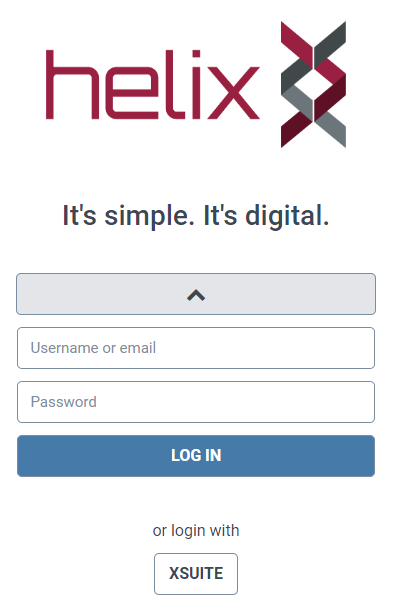
Enter your user name and password. Confirm.
The web client will open with the display settings and dashboard from your last session.