UI elements in the web client
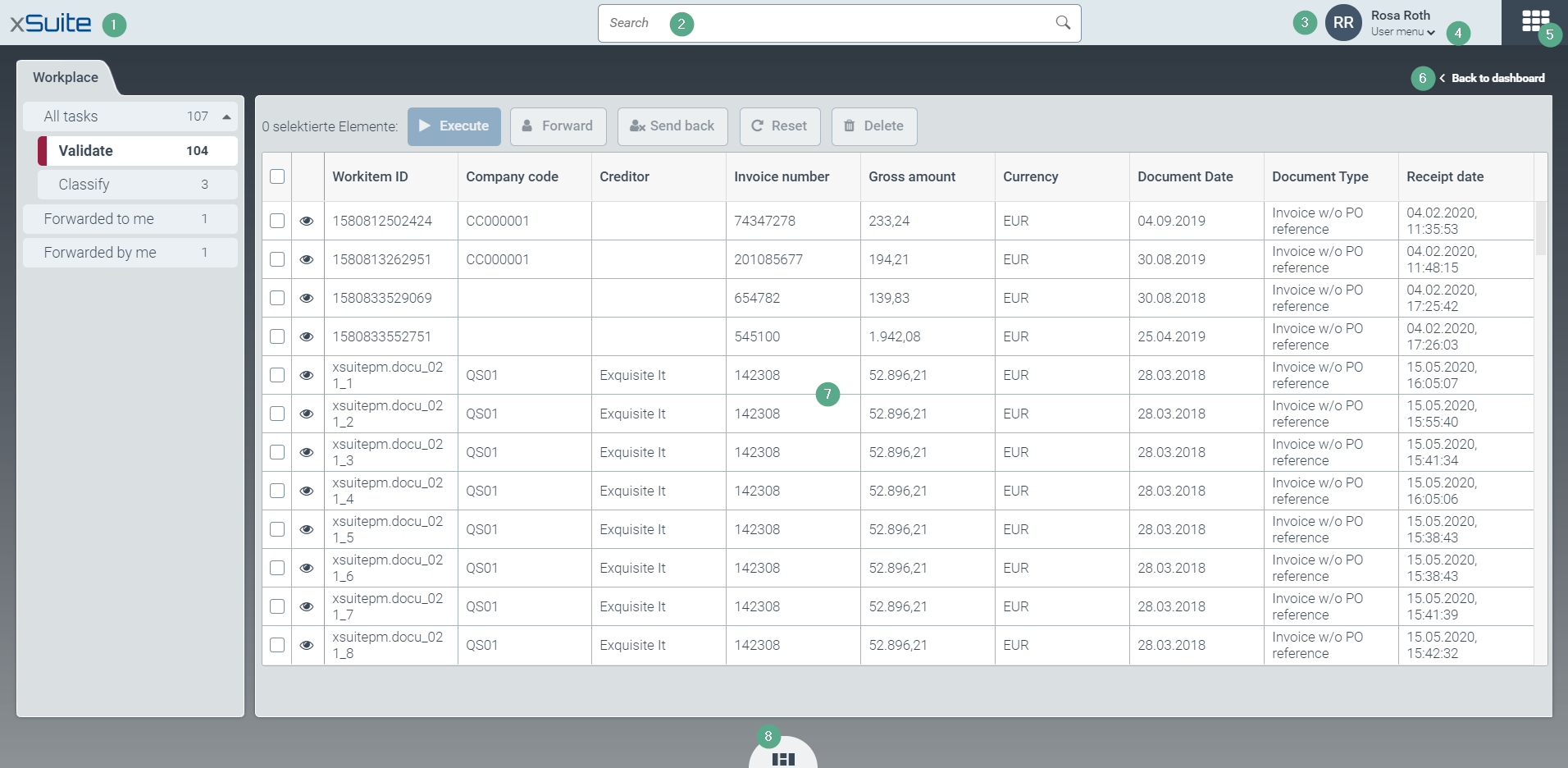
Element | More information | |
|---|---|---|
1 | Ribbon | Key web client features are located on the ribbon. Information on the individual functions is provided in the following lines (2-5). |
2 | Search field | The search field is for finding entries in work item lists such as the validation list or classification list. Note: The archive has its own separate search field. |
3 | Notification Bell | The bell icon |
4 | Logged-in user | This is where your username and avatar are displayed. |
5 | User menu | The user menu contains the following entries:
|
6 |
| Opens the app catalog. For information on the app catalog, see The app catalog. Note: For more information on the |
7 |
| Closes all tabs and brings you back to the dashboard. |
8 | Work area | The workspace displays either a dashboard or an app. |
9 |
| |


