SAP certificates
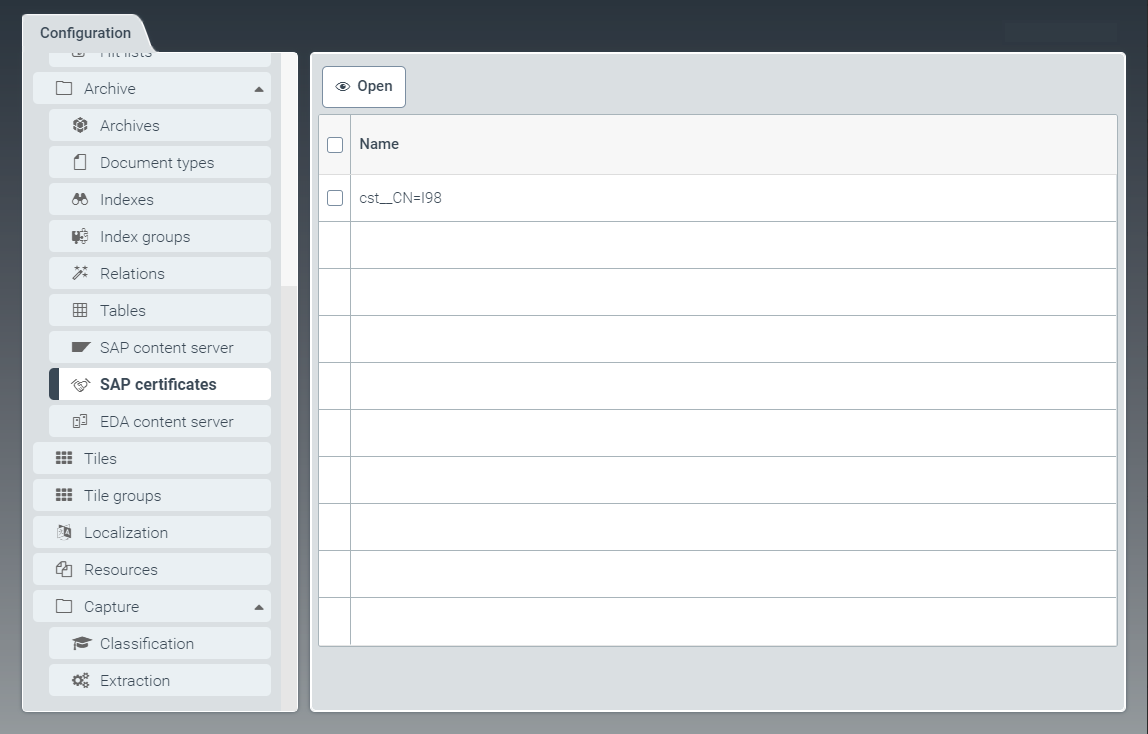 |
All SAP certificates that have been transferred from SAP are displayed in the SAP certificates window.
Here you can activate or delete SAP certificates. In xSuite Helix, you can only use SAP certificates that are activated.
The SAP system uses the private part of the key to sign the parameters of a request. The archive can now use the public certificate to check whether the caller is known and authorized.
Activating an SAP certificate
In the SAP certificate tab, open an SAP certificate by clicking on the desired row from the table.
➣ The SAPCertificate: {Certificate name} window will open.
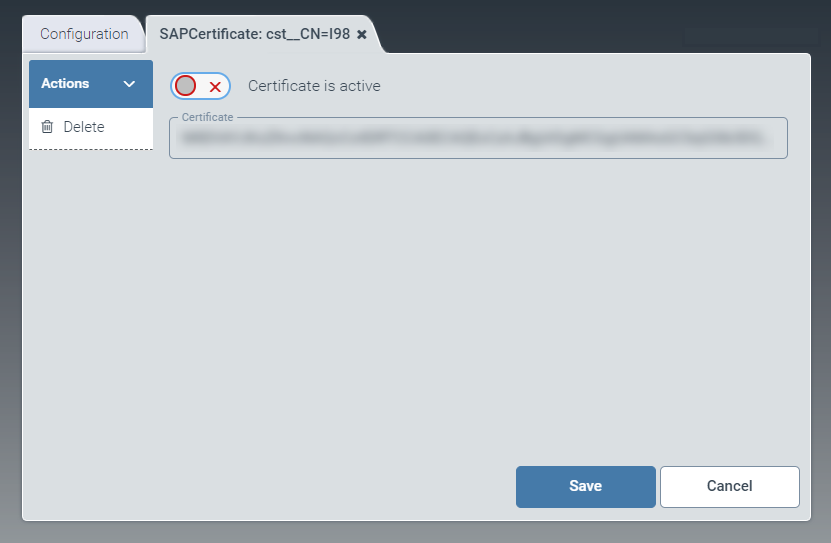
Use the toggle button Certificate is active to activate the SAP certificate.
Click Save.
➤ The SAP certificate is now activated and can be used.