Setting a legal hold for archive documents
Requirements
You have the right to set and remove legal holds for archive documents (Legal).
Procedure
Select a single archive. For more information, see Selecting a single archive.
If necessary, restrict the archive hit list results with a search.
Select individual archive documents if required.
Click
 Legal hold on the archive toolbar.
The context menu will open.
Select Set legal hold from the context menu.
The dialog Set legal hold will open.
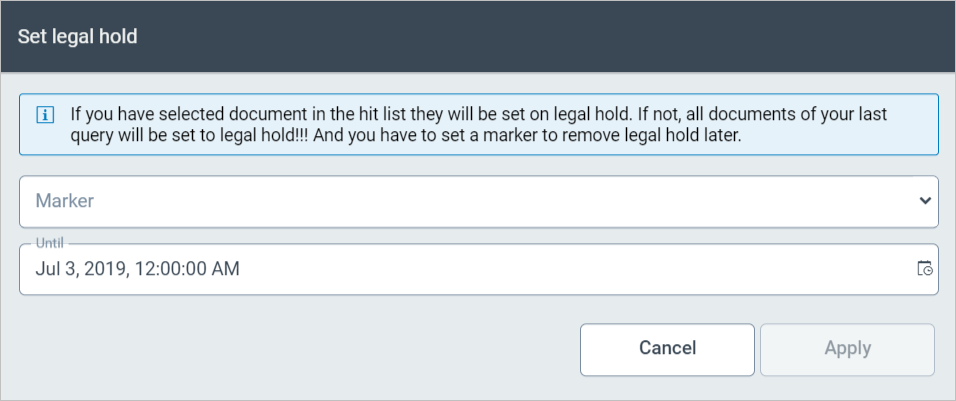
Add a marker in the Marker combobox or select a marker. An attribute may be the name of a lawsuit or such.
In the Until field, enter the date and the time until which the legal hold is set, or select the date and time with the
 Date and time button.
Click Apply.
➤ The legal hold is saved without a security prompt.