Creating a private dashboard
Open the dashboard upon which you wish to base your new dashboard. For more information, see Opening a dashboard.
On the ribbon, select
 Open the dashboard menu → Save as.
The Save Dashboard dialog will open.
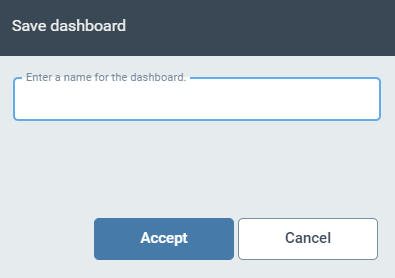
Enter a name for the new dashboard and click Accept.
The new dashboard will open and be added to the dashboard menu.
Customize the dashboard. You can:
Manage the tiles of the dashboard. For more information, see Dashboard tiles.
Rename the dashboard. For more information, see Renaming a private dashboard.