Uploading attachments to an archive document
Open an archive document. For more information, see Open an archive document.
On the archive document toolbar, click
 Add file.
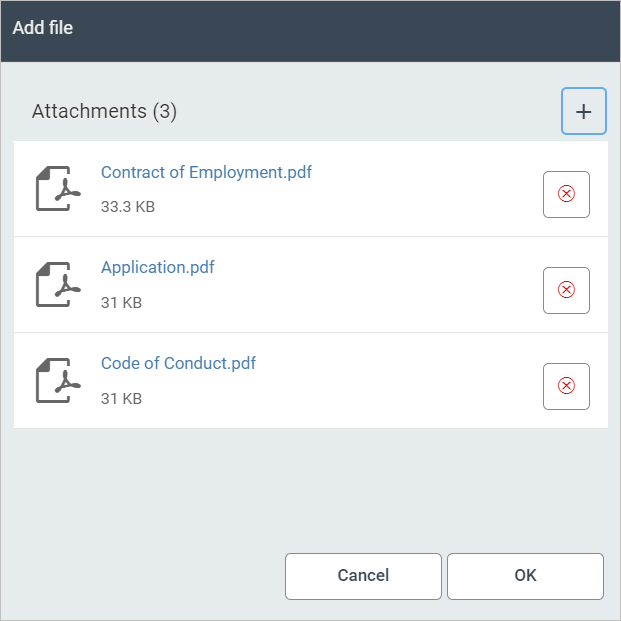
The dialog screen Add file will open.
Upload the attachments to be archived with
 Add.
Add.The attachments will be displayed as a list.
Click OK.
Click
 Save.
Save.