Searching for archive documents with a legal hold
Requirements
You have Query rights.
Procedure
Select a single archive. For more information, see Selecting a single archive.
Click
 Search in metadata on the archive toolbar.
The Search in metadata dialog will open.
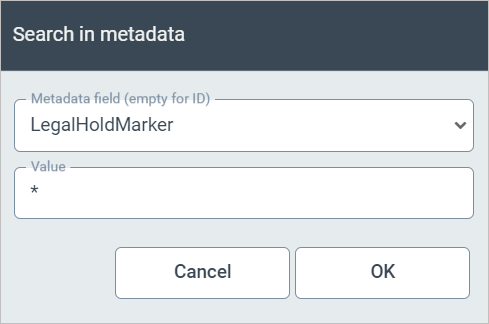
Edit the following data:
Metadata field (empty for ID): Enter
DoNotDeleteBeforeorLegalHoldMarker.Value: Enter an asterisk (*).
Click OK.
All archive documents with the metadata
DoNotDeleteBeforeorLegalHoldMarkerwill be found. These archive documents have a legal hold.