Changing the password of a user
Note
A password must meet the following criteria:
Contains at least one capital letter.
Contains at least one number.
Consists of at least 8 characters.
Does not include your own name.
When using a directory service such as Microsoft's Active Directory, the appropriate configurations apply.
In the Administration tile group, click on the User Management tile.
Note
If the tile is hidden, open the default dashboard. For more information, see Opening a dashboard.
The User Management screen will open.
Click Edit user.
User editing will open in a new tab.
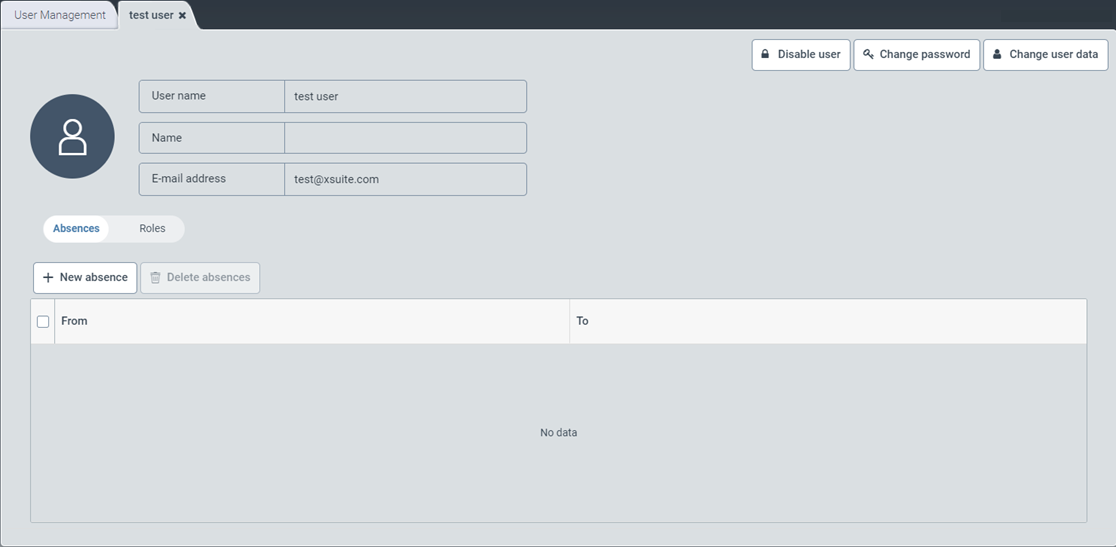
Click Change password.
The Change password window will open.
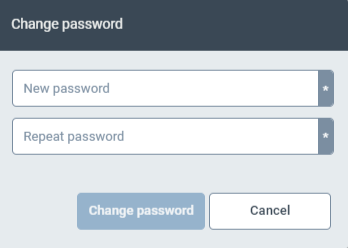
Enter a new password in the New password field.
Enter the new password again in the Repeat password field.
Click Change Password.