Adding version commentary
Open an archive document. For more information, see Open an archive document.
Edit the archive document.
On the archive document toolbar, click
 Version commentary.
The dialog Version comment dialog will open.
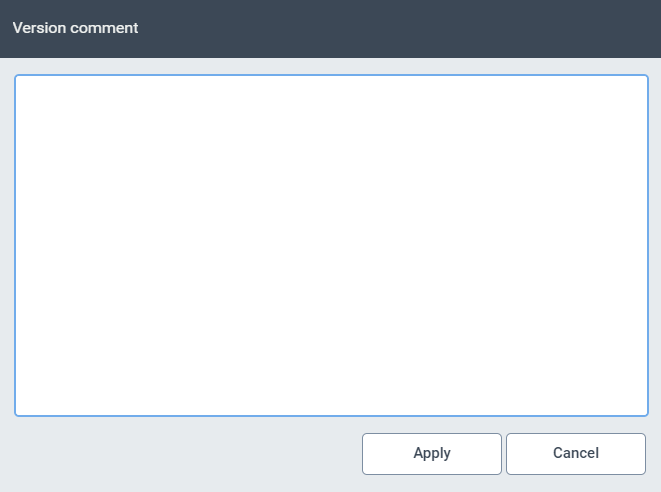
Enter a comment for the current version of the archive document.
Click Confirm.
The archive document will be saved together with the comment.