Logs
Notice
The Logs menu item is only visible to xSuite eDNA administrators.
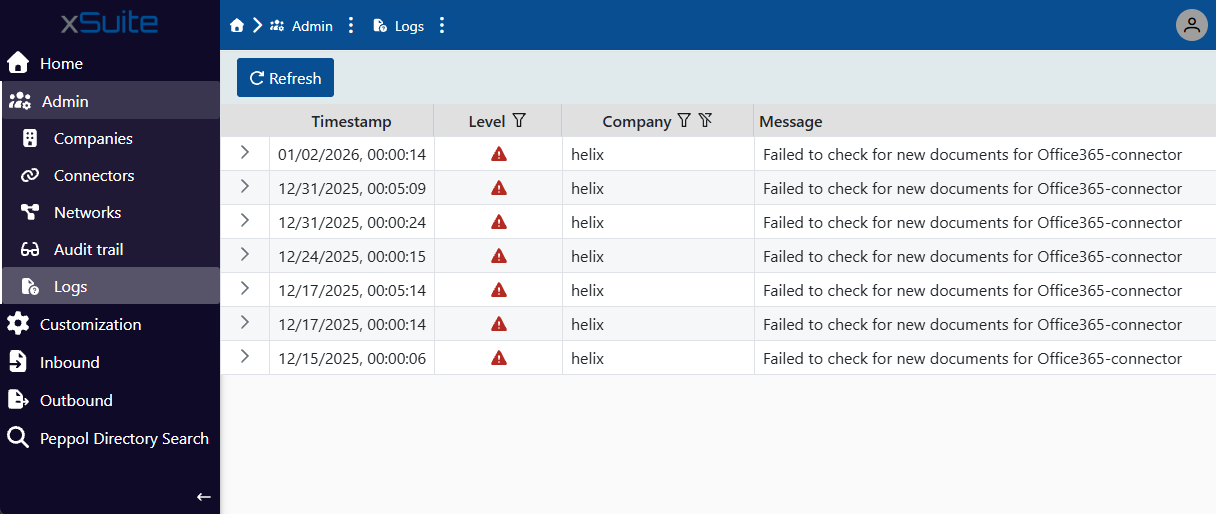 |
Under the menu Logs, you can view the technical protocol of connectors and companies. The log entries are displayed in a table. You can filter table entries by level and company. By clicking on the button Refresh you can update the data.
Column | Description |
|---|---|
Timestamp | Date and time of log entry |
Level | Log entry level The following levels are available:
|
Company | Name of the company |
Message | Brief description of the log entry To open the detailed description of an entry, click on the button |


