Audit Trail
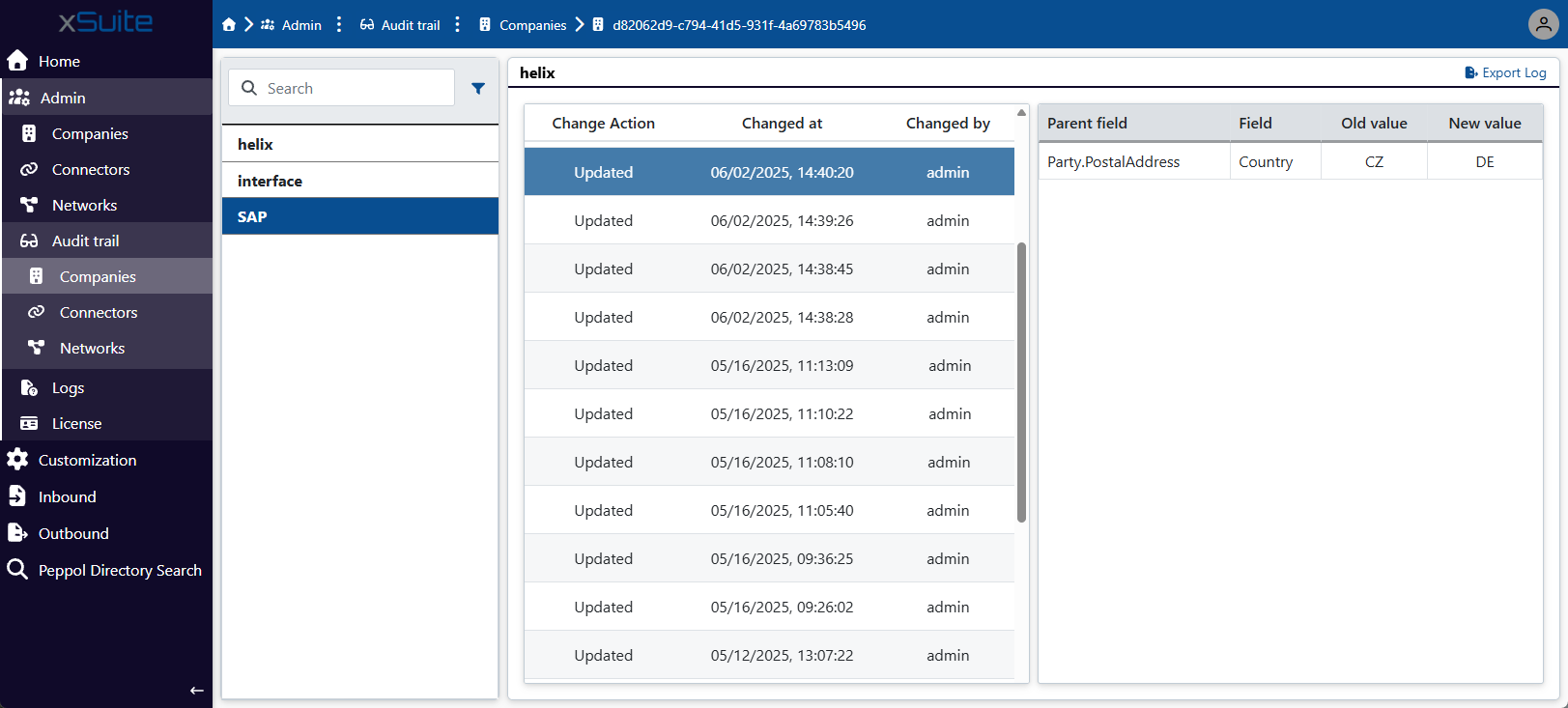 |
Under the Audit Trail menu item, you can view the audit trail for each company and each connector. The Audit Trail → Companies menu item displays the audit trails for the companies, and the Audit Trail → Connectors menu item displays the audit trails for the connectors.
An audit trail logs every change that a user or system has made to a company or connector's data. Each entry in an audit trail represents a change that has been made.
Audit trail entries
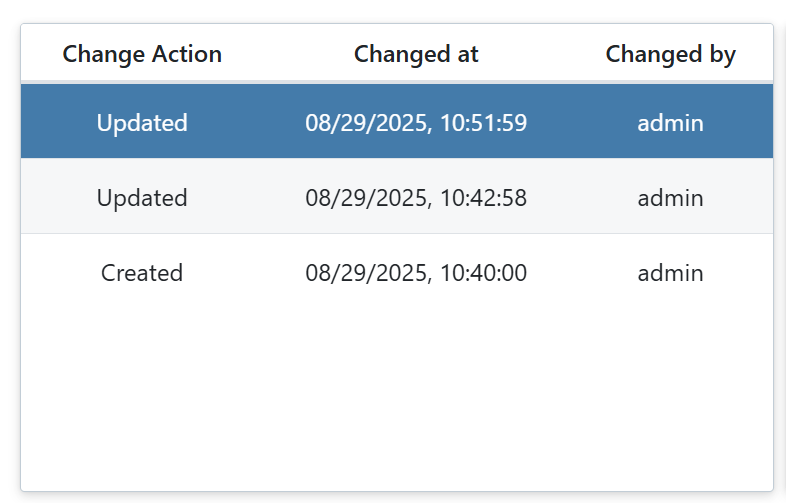
Each audit trail entry includes the following data:
 |
Column | Description |
|---|---|
Change Action | Type of change, e.g. |
Changed at | Date and time of change |
Changed by | Name of system or user |
Audit trail detailed view
When you click on an audit trail entry, a detailed view of that entry is displayed. The detailed view shows which fields and which values have been changed. The initial value of the field and the changed, new value of the field are displayed here
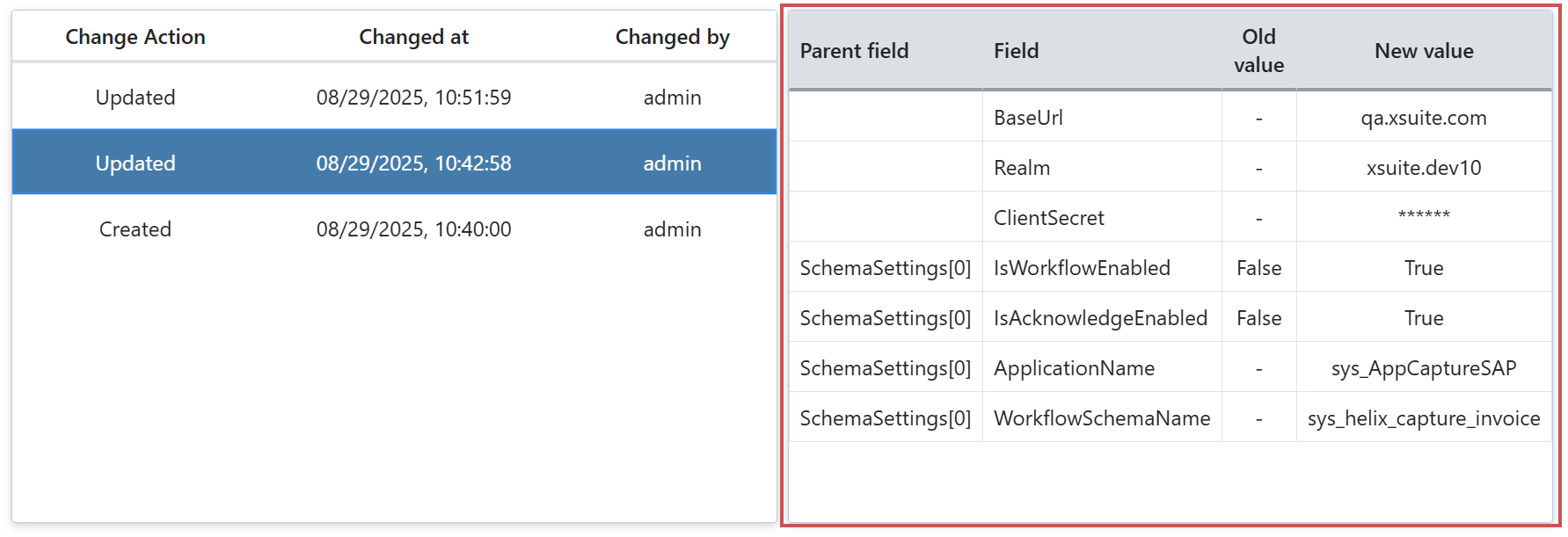 |
The following columns are available in the detailed view:
Column | Description |
|---|---|
Parent field | Parent field |
Field | Name of the field that was changed |
Old Value | Old value of the field |
New value | New, changed value of the field |
Download of an audit trail
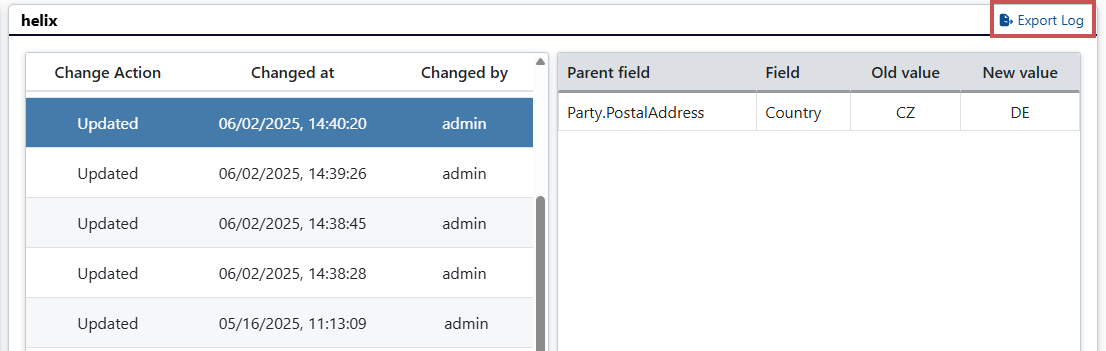
By clicking on the Export log button, you can download an audit trail in JSON format The JSON file always contains all audit trail entries that are currently displayed.
 |