Creating a new role
In the Administration tile group, click on the User Management tile.
Note
If the tile is hidden, open the default dashboard. For more information, see Opening a dashboard.
The User Management screen will open.
Switch to the Roles view.
The Roles view will open.

Click New role.
The New role window will open.
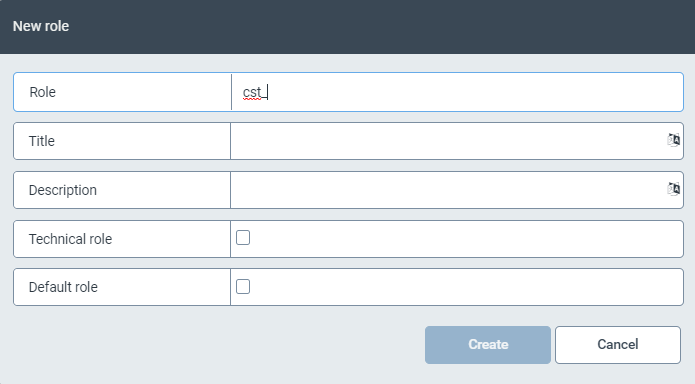
Enter the technical name of the role in the Role field.
The prefix
cst_is predefined and cannot be changed.Enter the name of the roles in the Title field.
Enter a short description of the role in the Description field.
If it is a technical role, select the checkbox Technical role.
If you want to add the newly created role to the default roles, select the checkbox Default role.
Click Create.