Filtering the archive hit list by index field
Requirements
A layout has been selected for the hit lists of the archive in question.
And
The hit-list layout provides for filtering by category.
Procedure
Select a single archive. For more information, see Selecting a single archive.
Choose a layout for hit lists from the selection list Hit list on the hit-list toolbar.
The section Categories will appear.
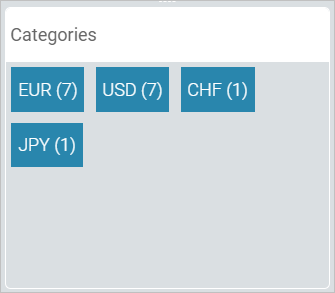
In this example, the index field "Currency" is intended for filtering by category. In the archive hit list, 7 archive documents were found for which the index field "Currency" has the value
EUR.Click on one of the values, e.g.
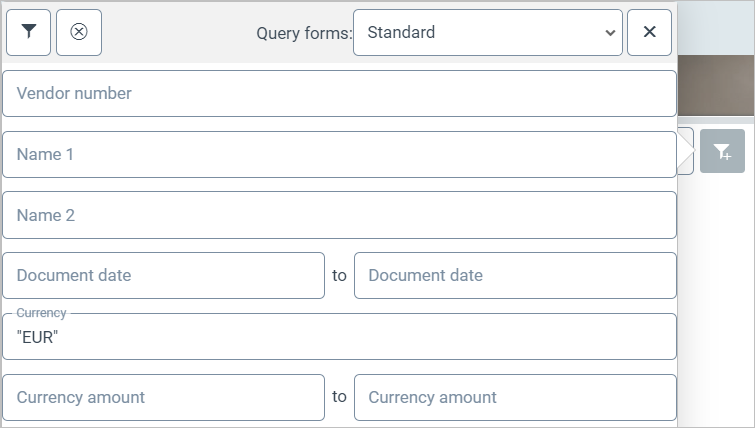
EUR.The value will be set for the index field search. The archive results list therefore only displays archive documents with this value.
Reset the filter if necessary. To do so, click
 Reset category filter.