Creating a new role
Notice
If you want a role to be automatically assigned to each new user created in the system, configure that role as the default role using the following procedure.
Default roles in this way serve as a base template for all users.
In the Administration tile group, click on the User Management tile.
Note
If the tile is hidden, open the default dashboard. For more information, see Opening a dashboard.
The User Management screen will open.
Select the view Default roles.
The Default roles view will open.
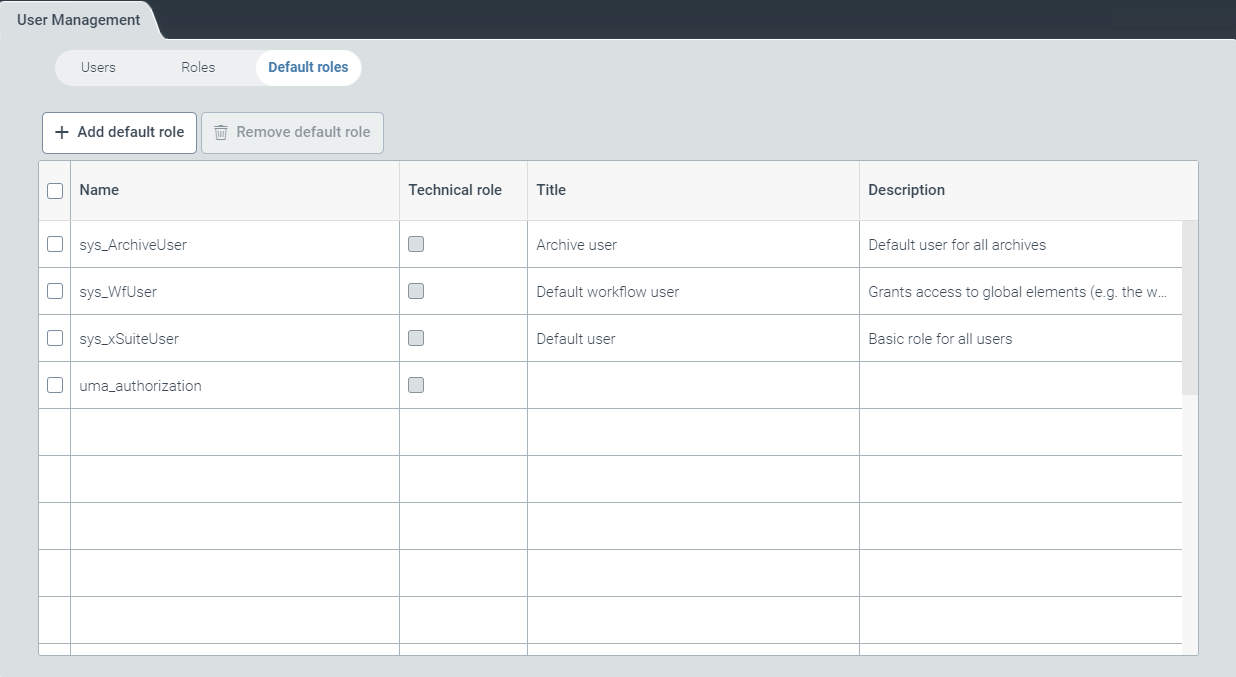
Select a default role and click Add default role.
The dialog window Add default role will open.
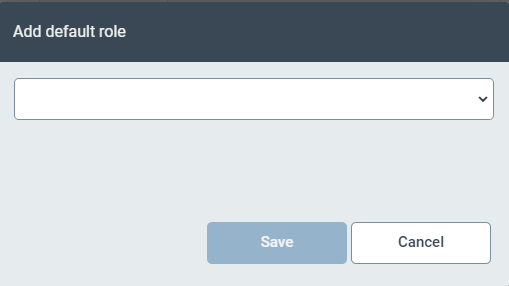
Select one or more default roles from the drop-down menu.
Click Save. The selected default roles will apply to all future users of the tenant.