Setting the font size for the web client
From the web client ribbon, select User Menu → Account Settings → Display Settings.
The display settings will open.
In the Screen Size area, set the desired font size for the web client. To do so, click on Smaller or Larger.
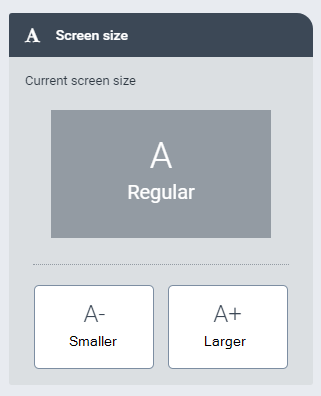
The specified font size will be indicated under Current screen size. In this example, the size is "Regular".
Click
 Close.