Outgoing documents (Outbound)
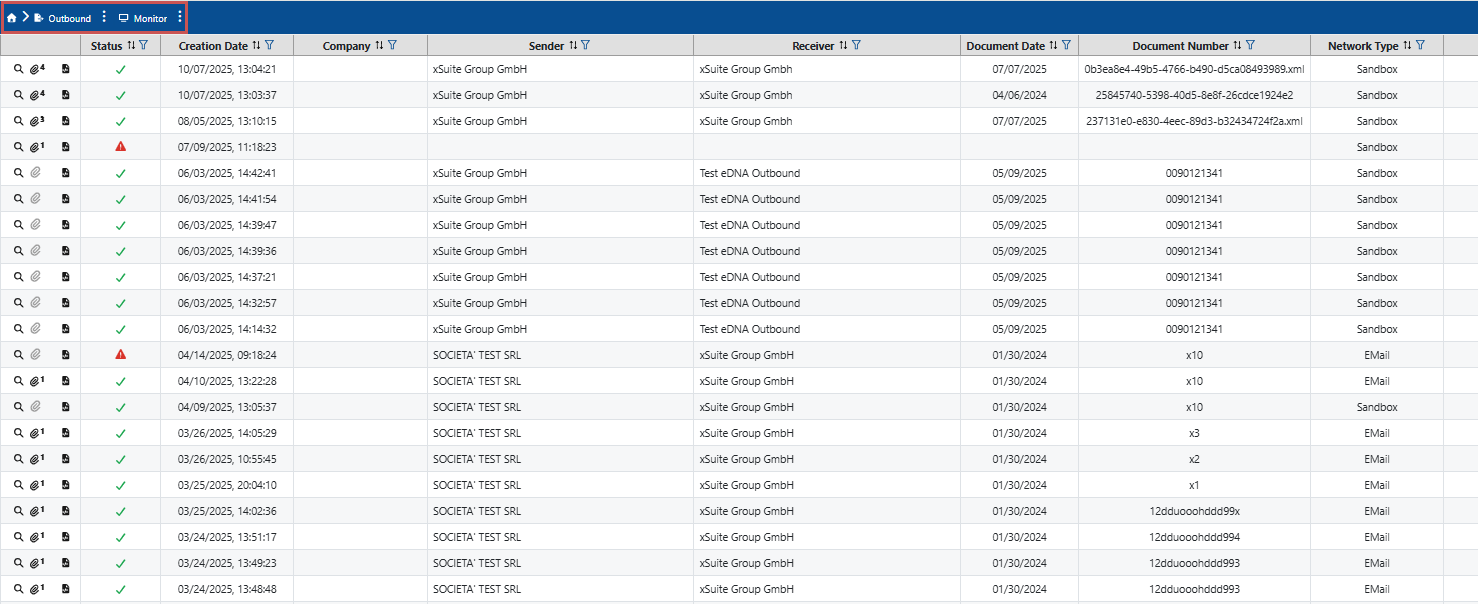
All central data for outgoing documents is displayed in a table under Outbound. To find specific documents and narrow down the display, you can filter documents and sort the displayed documents. You can see which output channel the documents were transmitted from within your system in the Network Type table column.
You also have the option of downloading the attachments to the documents, e.g., the visualization of the document data in the form of a PDF file.
In the detailed view of documents, you can view further document data, such as sender and recipient data and line item data.
The area Outbound contains the two sub-areas Monitor and Invoices.
 |
Notice
The Monitor section contains all documents. This means that even documents that were not recognized as invoices are listed in the table.
Unlike the Monitor area, the Invoices area only contains documents that have been recognized as invoices by the system.
Monitor
Invoices

Notice
At first glance, the overview of outgoing documents resembles the overview of incoming documents. However, the processing flow differs. The attachments and statuses also differ.