Modification Adjustment
If the target system contains repaired objects, over the course of the installation you will be prompted to check modifications in the task "Modification Adjustment" with the transaction SPDD for DDIC objects and/or SPAU for program code. This is a standard SAP mechanism which is also used for resolving conflicts when importing SAP packages.
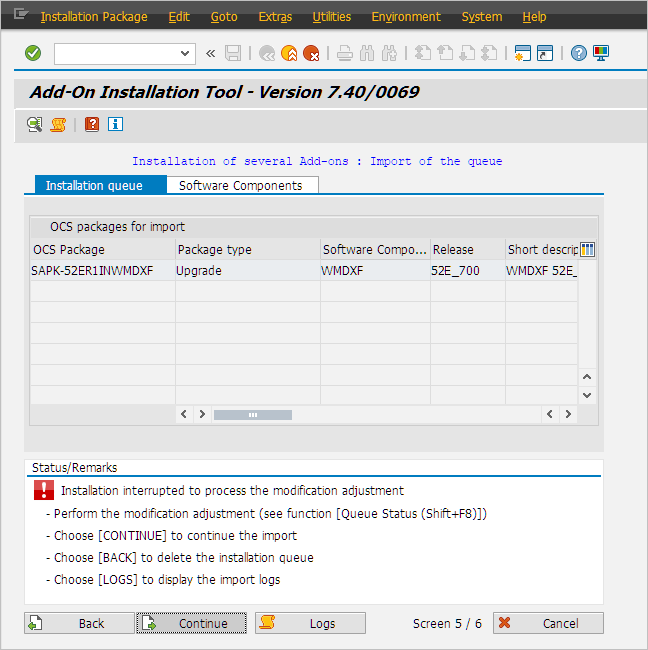 |
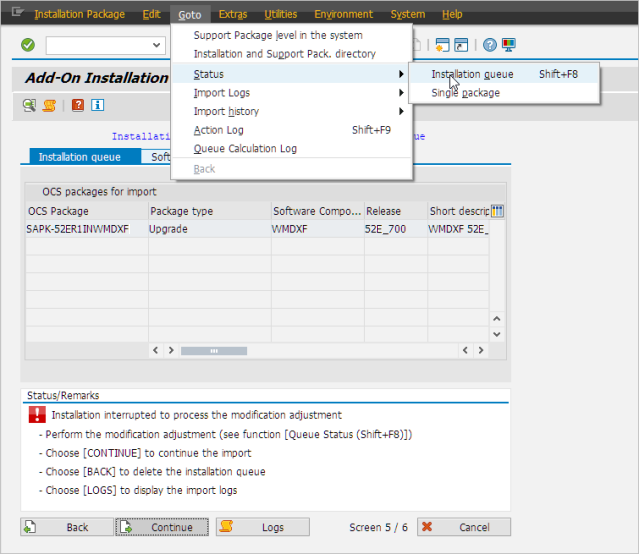
To perform this task, select Goto → Status → Installation queue, as follows:
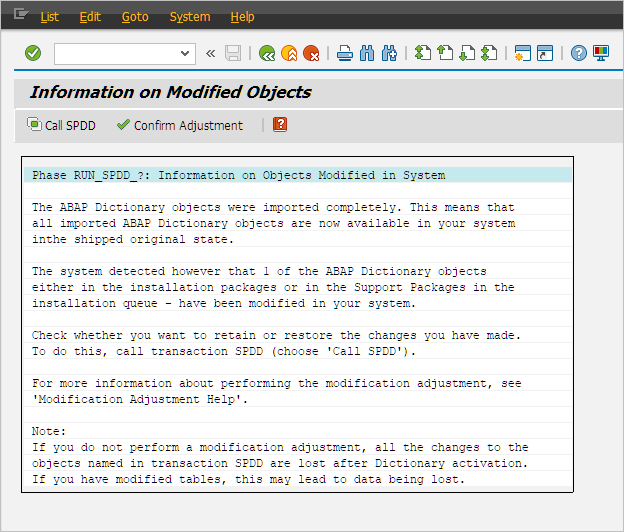
To open the selection dialog and view the xSuite objects affected, click the Call SPDD or Call SPAU button.
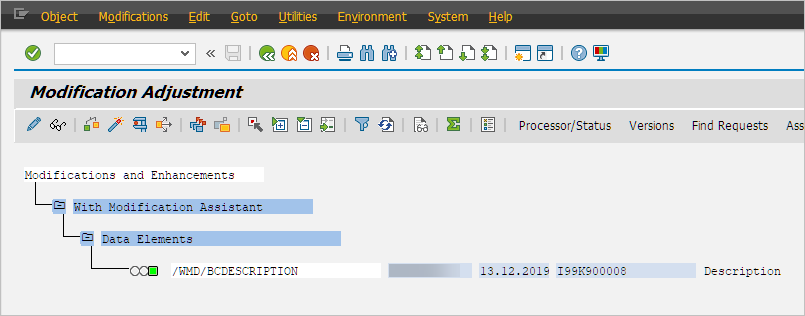
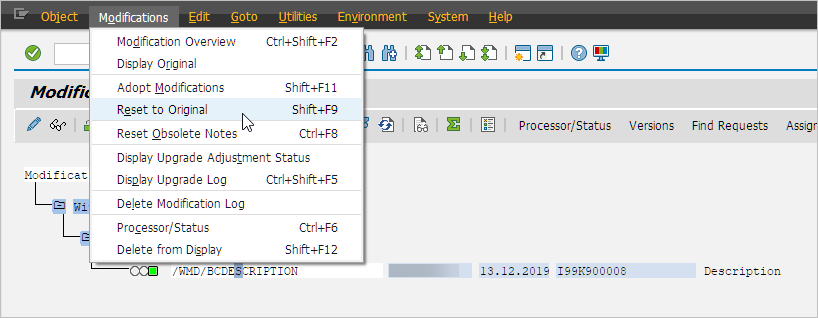
Run the modification adjustment for all objects. To view primary options, go to the menu and navigate to Modifications.
Double-click on the traffic-light icon if you wish to see and possibly adopt the recommendations generated.
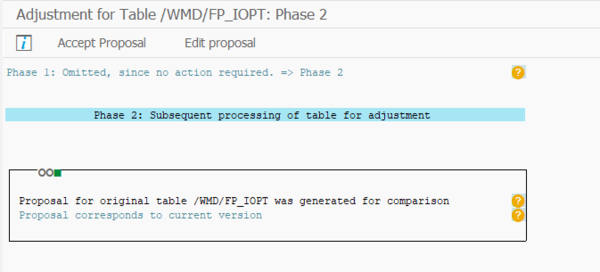
➣ All changes will be adopted to a transport request which can later be integrated into the consolidation and productive system in the installation process.
Confirm the match after finishing the tasks.
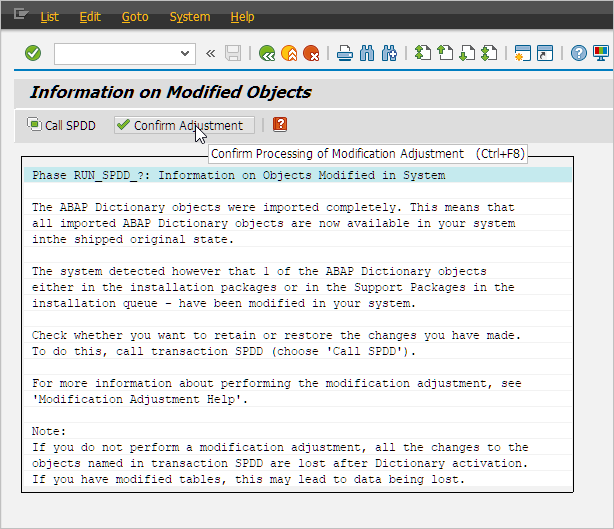
Caution
If the modification adjustment is confirmed without having actually processed SPDD or SPAU, all objects will be reset to the original delivery state.
When you have ensured that all relevant modifications are official preliminary xSuite corrections, then the check can continue without processing SPDD or SPAU since preliminary corrections are always included in the subsequent xSuite release, allowing objects to be reset to their original state.
For more precise information on modification adjustment with the transactions SPDD and SPAU, refer to online SAP documentation such as the following:
https://help.sap.com/doc/saphelp_erp60_sp/6.0/de-DE/c6/068d380be34e6ce10000009b38f842/content.htm