Procedure for Activating BC Sets
Call Transaction SCPR20 in the customizing client of the development system.
Search for BC sets in the namespace /WMD/.
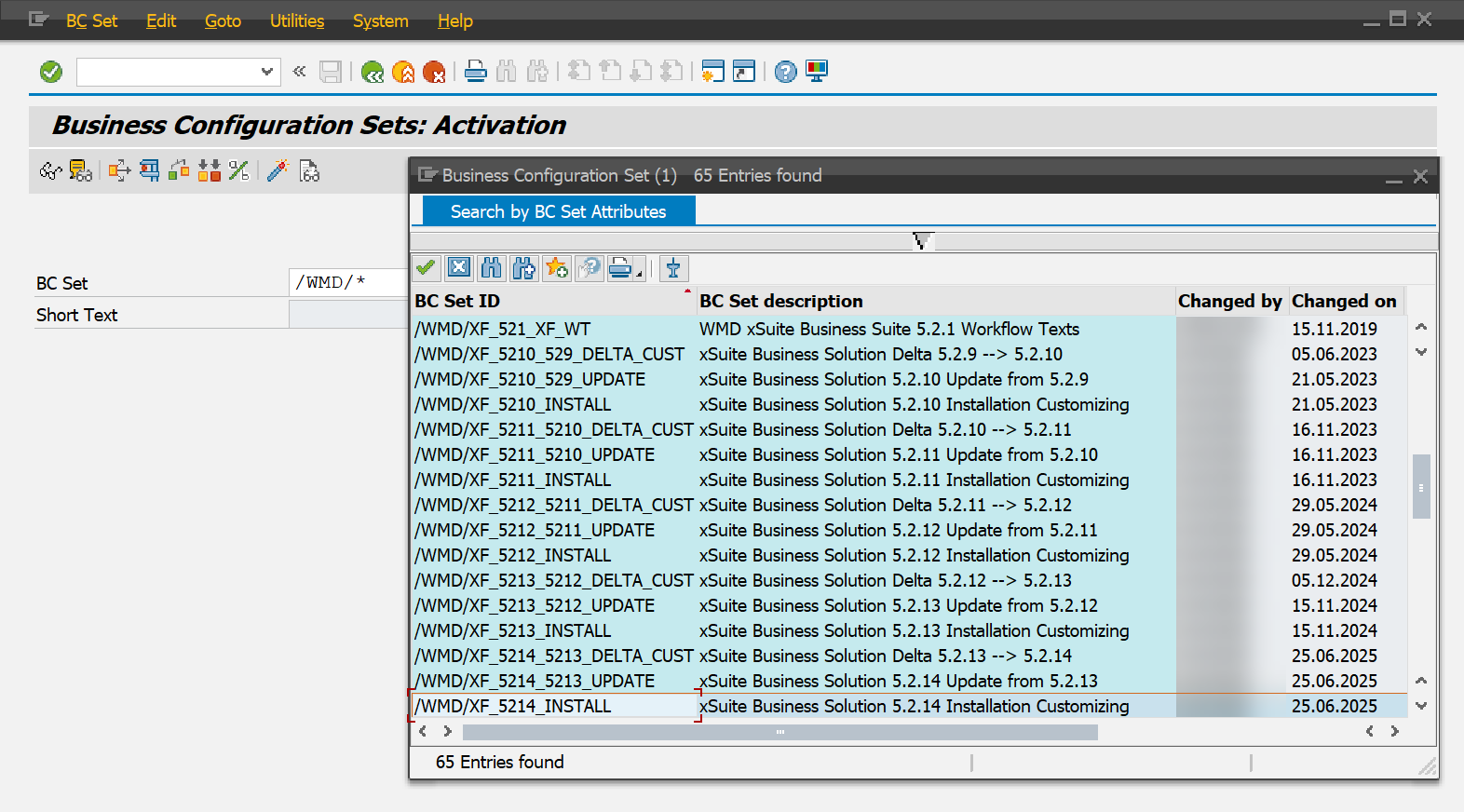
Activate the BC sets necessary, always retaining the correct sequence.
For an overview of the BC sets required, see Overview of BC Sets to be Activated.
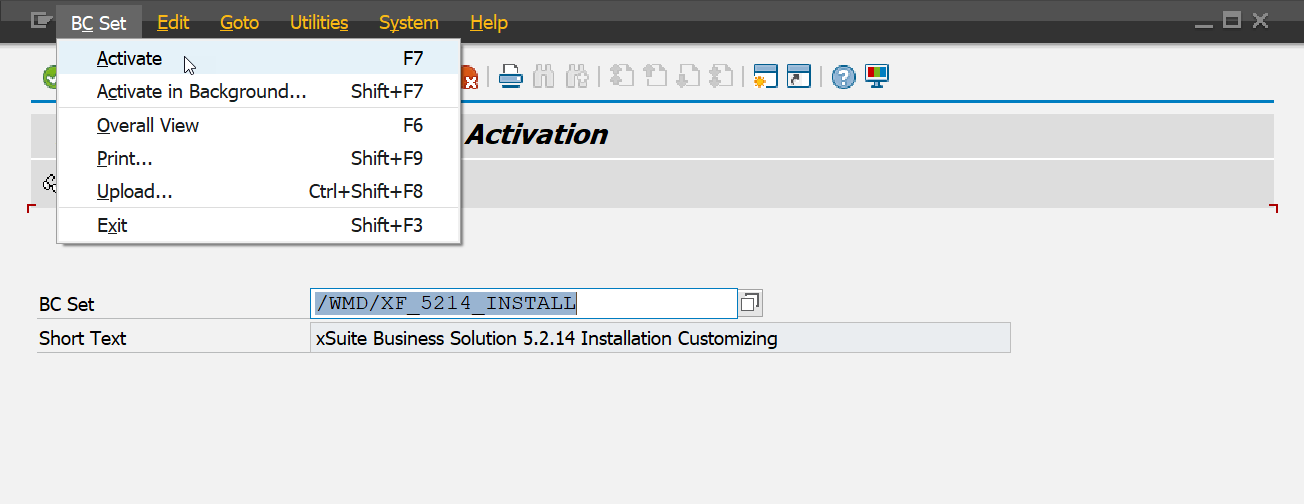
➣ Save the activities performed in a customizing job to import to the QA and productive systems at a later time.
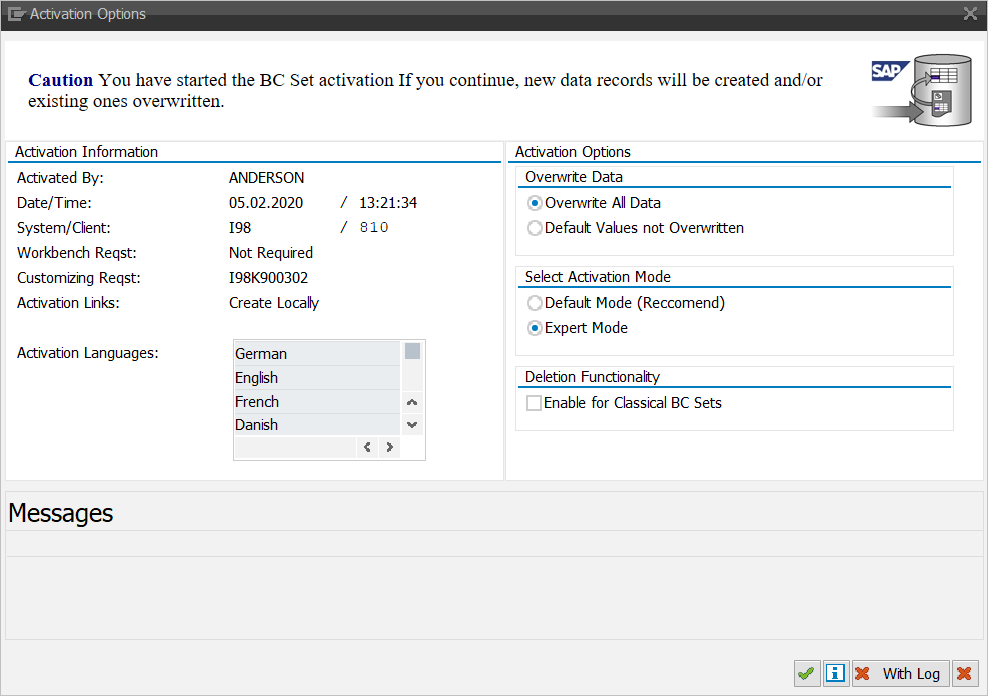
In the dialog that appears, click the option Expert Mode.
Notice
The languages delivered in the BC sets are English, German, French, Dutch, and Danish. When activating the BC sets, however, only the languages already installed in the system will be offered for installation; as a result, it may not be possible to install all of the languages delivered.
If a language is installed in the main system at a later point in time, the BC set can be re-activated with this new language.