Preparing for Update
The text system has been converted to client-independent storage since Version 5.2.3.
If you are using customer applications that you have written based on the xSuite framework, the text system must be migrated before updating.
If you do not have customer applications such as this in use, you can start directly with the update.
Testing for Customer Applications
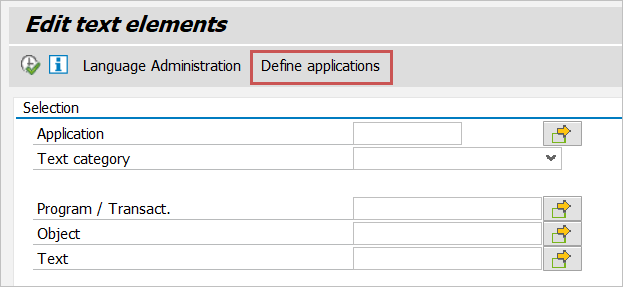
In the xSuite text system (Transaction /WMD/BC_TEXT), click the Define applications button.
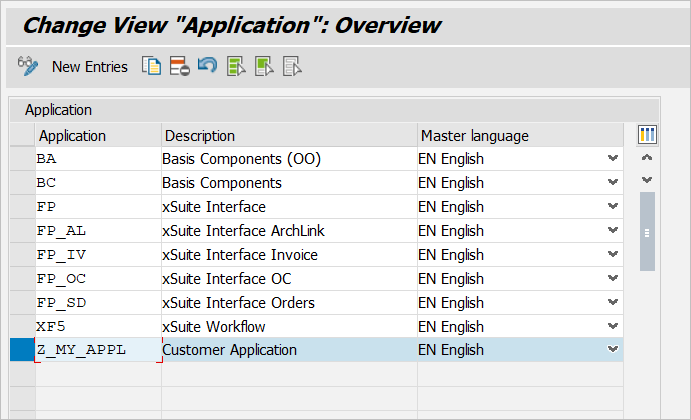
In the overview that then appears, all applications of the text system will be listed. Customer applications start with "Z". This means that if no application starts with "Z", no customer applications are in use.
Migration Procedure
Remove all customer applications from the table /WMD/BC_TXTS and migrate them to the table /WMD/BC_TXTC. You can use report /WMD/BC_TXTS_TO_TXTS for this migration. Since Version 5.2.3, this report has been delivered in a separate transport request:
I08K903656 XSUITE 25.11.2019 WMD: xSuite Business Suite 5.2.3 - Migration Textsystem