"Define Record Types" activity
/WMD/BC_SPRO → xSuite Business Solutions → Interface
This is where the settings for Interface record types can be made.
A record type is used to subdivide the application. The record type can be used to break down invoice data (application type 1) into invoices with PO reference and invoices without PO reference.
The name of a record type consists of two characters.
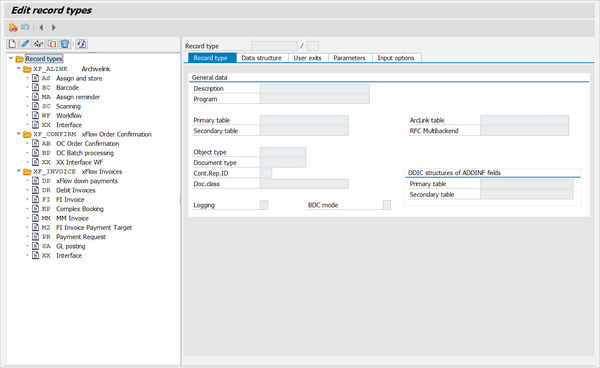
New record types can be created, edited, displayed, copied or deleted on the left side of the record-type tree.
Customizing for the selected record type is performed to the right of the tree, where the tabs are.